
A Game of Blocks
Creator: Jdroppert · 2026-04-13 · Mods · Free on Eaglercraft Studio
Download A Game of Blocks — free Minecraft mod. Created by Jdroppert. Tagged dragons, got, kingdoms, medieval. Check the file details for Forge, Fabric, or NeoForge before installing.
Creator notes
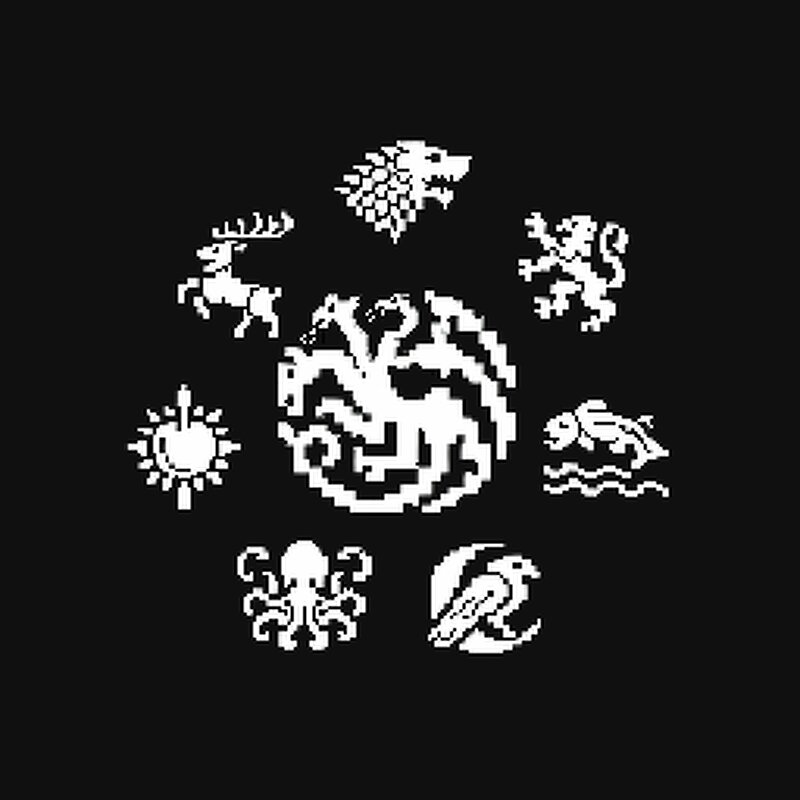
A Game of Blocks (AGoB) AGoB is a Game of Thrones inspired Fabric mod focused on a custom map-driven realm, regional identity, castles, troops, quests, and faction-flavored progression. Latest Updates 1.4.0-beta – Music, Cart Voyages and Better Horses - Carts and Cart Voyages - AGoB Music with options - Better Horse Controls 1.3.0-beta – Fishing and Claiming - Fish while on ships - New Kingdoms Menu 1.2.0-beta – Map / Flax / Nights Watch - Updated Map - Added Night’s Watch and The Wall - Castles now control territories - Added Flax (craft string from grass) 1.1.0-beta – Blacksmith Minigame & Armor Tiers - Timing-based blacksmith minigame - Better timing = better gear quality - Armor tiers from bad to legendary 1.0.0-beta – Voyages Start Your Journey Instead of small additions to vanilla, AGoB is a full custom experience: - Custom dimension and world preset - Hand-made map with regional biomes - Kingdom origins and religion selection - NPCs: Lords, Guards, Blacksmiths - Data-driven castles - Recruitable and upgradeable troops - Ships, camps, and settlements - House-themed gear and weapons - Quests, journal, skills, reputation - Custom UI systems Current Features Custom Westeros-Insp
Added value
What’s included on this page
Preview, categories, compatibility, and tools on this page — not a bare file mirror.
- Creator
- Jdroppert
- Source
- Minecraft downloads library on Eaglercraft Studio
- Type
- Minecraft mod
- Price
- Free download on Eaglercraft Studio
- Curation
- Listed with credit to Jdroppert · studio preview & install guide
- Game Version
- Minecraft 1.21.1
- Compatible with
- Minecraft Java (match version / loader in facts)
- Tags
- Dragons, Got, Kingdoms, Medieval, New Content, Westeros
Install guide
How to install this free Minecraft mod
Eaglercraft Studio listing with metadata, creator credit, and loader-aware install guidance.
- 1Download the jar/zip when available.
- 2Install the matching loader (Forge, Fabric, or NeoForge) for your Minecraft version.
- 3Drop the mod into your mods folder, then launch with that profile.
Wrong loader or game version usually crashes on startup — read the facts on this page first.
Related free mods
More curated mods from the same library section.

Pastelmooncrafting15 · 67 diamonds · 20 views

PotatoWolfie · 60 diamonds · 2 views

PotatoWolfie · 53 diamonds · 622 views

Janss_33PL · 47 diamonds · 940 views