
Alex's Caves: Tremorzilla's Rage
Creator: dinosaurfan2 · 2026-05-21 · Mods · Free on Eaglercraft Studio
Download Alex's Caves: Tremorzilla's Rage — free Minecraft mod. Created by dinosaurfan2. Tagged other. Check the file details for Forge, Fabric, or NeoForge before installing.
Creator notes
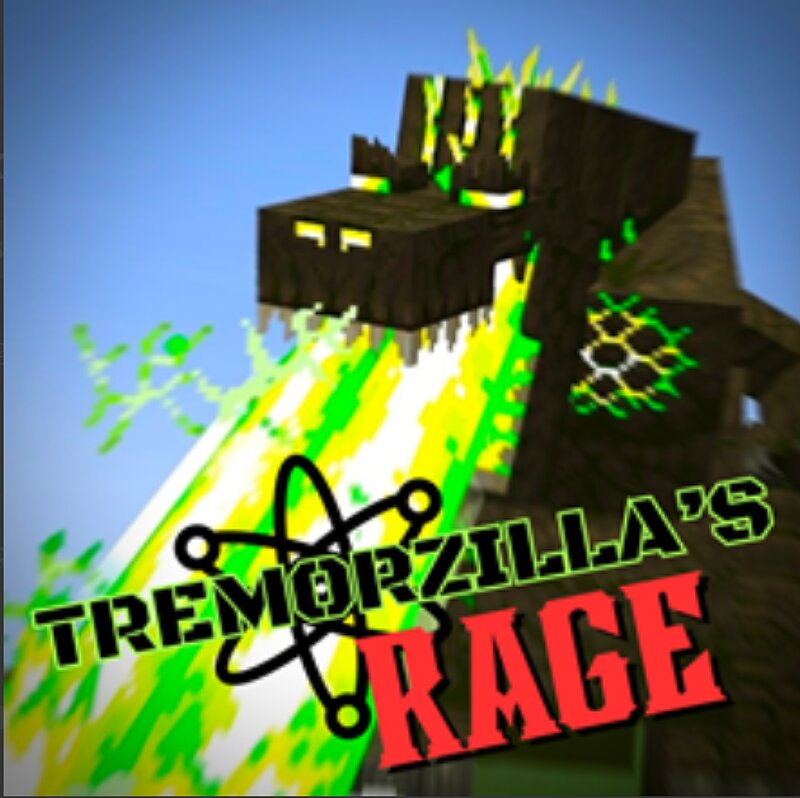
WARNING: THIS MOD IS NOT BUILT FOR LOWER-END PC'S, THIS MOD MAY CAUSE LAG! Have you ever wanted to just see Tremorzilla from alex's caves unleash hell on the world, but never want to lift a finger yourself to do it? Well, you've come to the right place! This mod makes tremorzilla, constantly angry, attacking everything on sight. Along with this, tremorzilla is far more destructive, leaving a radioactive wake of destruction wherever it's wrath may land. Basics regarding the mod: Tremorzilla spawns extremely rarely in the deep sea and even underground, you can also still summon him the normal way (artificially) Along with this, a Life Annihilator item is added, a powerful bomb crafted with a wither star, two end crystals, iron trapdoor, iron blocks, and a soul campfire. The bomb's blast grows more powerful the more you right click it. It is reccomended to use this in point blank to Tremorzilla, and please note it still can be destroyed by Tremorzilla walking, meaning it would be reccomended to put it above or below tremorzilla. Also: cadmium blaster, which nerfs tremorzilla's health an insane amount when a missile successfully hits it SPOILER ALERT: if you manage to kill tremorzilla,
Added value
What’s included on this page
Preview, categories, compatibility, and tools on this page — not a bare file mirror.
- Creator
- dinosaurfan2
- Source
- Minecraft downloads library on Eaglercraft Studio
- Type
- Minecraft mod
- Price
- Free download on Eaglercraft Studio
- Curation
- Listed with credit to dinosaurfan2 · studio preview & install guide
- Game Version
- Minecraft 1.20.1
- Compatible with
- Minecraft Java (match version / loader in facts)
- Tags
- Other
Install guide
How to install this free Minecraft mod
Eaglercraft Studio listing with metadata, creator credit, and loader-aware install guidance.
- 1Download the jar/zip when available.
- 2Install the matching loader (Forge, Fabric, or NeoForge) for your Minecraft version.
- 3Drop the mod into your mods folder, then launch with that profile.
Wrong loader or game version usually crashes on startup — read the facts on this page first.
Related free mods
More curated mods from the same library section.

Pastelmooncrafting15 · 67 diamonds · 20 views

PotatoWolfie · 60 diamonds · 2 views

PotatoWolfie · 53 diamonds · 622 views

Janss_33PL · 47 diamonds · 940 views