
Alternative Adventure
Creator: Zavgar4 · 2026-05-18 · Mods · Free on Eaglercraft Studio
Download Alternative Adventure — free Minecraft mod. Created by Zavgar4. Tagged adventureupdate, beta, beta173, bta. Check the file details for Forge, Fabric, or NeoForge before installing.
Creator notes
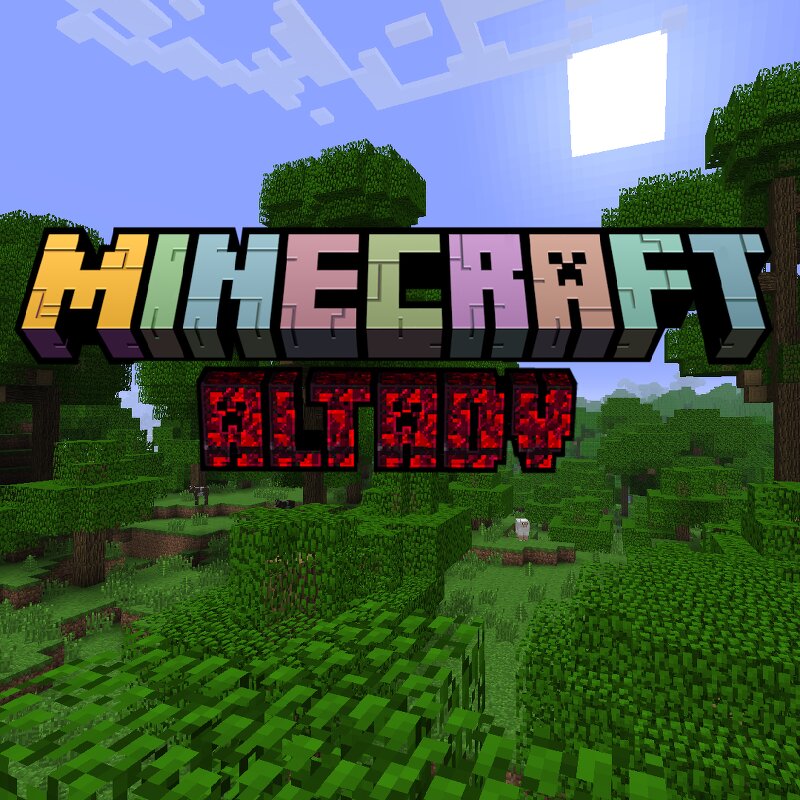
Minecraft Alternative Adventure (AltAdv) is what Minecraft could've been if Mojang haven't released Adventure Update, and instead kept Beta style and world generation. **Recommended to use MultiMC or Prism to load a mod. AltAdv is jar mod which is loaded by using Add to minecraft.jar function in MultiMC or Prism.** Mod overhauls b1.7.3 by fixing some of bugs and by adding some Qol features: - **Improved boats.** Boats now are faster, drop themselves and don't break when collides with blocks/entities. - **Improved tools.** Axes and Pickaxes now break all blocks that they supposed to break faster correctly. - **Fixed recipes.** Fixed fences, slabs, signs and other recipes to be more like in modern MC. - **Fixed food.** Food is no longer can be eaten when a player has full health, also food is now stackable up to 64. - **Fixed fences.** Now can be placed whatever you want they to be. - **Zombies drop nothing.** Zombies no longer drop feathers. - **Snowy leaves.** Leaves now turn white in snowy biomes. - **Fixed stairs.** Now drop themselves. - **Editable signs.** Can be edited like in 1.20 and later versions. - **Sheeps regrow their wool.** Sheeps automatically regrow their wool with
Added value
What’s included on this page
Preview, categories, compatibility, and tools on this page — not a bare file mirror.
- Creator
- Zavgar4
- Source
- Minecraft downloads library on Eaglercraft Studio
- Type
- Minecraft mod
- Price
- Free download on Eaglercraft Studio
- Curation
- Listed with credit to Zavgar4 · studio preview & install guide
- Game Version
- Minecraft 1.7 beta
- Compatible with
- Minecraft Java (match version / loader in facts)
- Tags
- Adventureupdate, Beta, Beta173, Bta, Mod, New Content
Install guide
How to install this free Minecraft mod
Eaglercraft Studio listing with metadata, creator credit, and loader-aware install guidance.
- 1Download the jar/zip when available.
- 2Install the matching loader (Forge, Fabric, or NeoForge) for your Minecraft version.
- 3Drop the mod into your mods folder, then launch with that profile.
Wrong loader or game version usually crashes on startup — read the facts on this page first.
Related free mods
More curated mods from the same library section.

Pastelmooncrafting15 · 67 diamonds · 20 views

PotatoWolfie · 60 diamonds · 2 views

PotatoWolfie · 53 diamonds · 622 views

Janss_33PL · 47 diamonds · 940 views