
Ancient Crouching & Sprinting
Creator: VersedRhyme41 · 2026-01-05 · Mods · Free on Eaglercraft Studio
Download Ancient Crouching & Sprinting — free Minecraft mod. Created by VersedRhyme41. Tagged alpha, crouch, movement, old. Check the file details for Forge, Fabric, or NeoForge before installing.
Creator notes
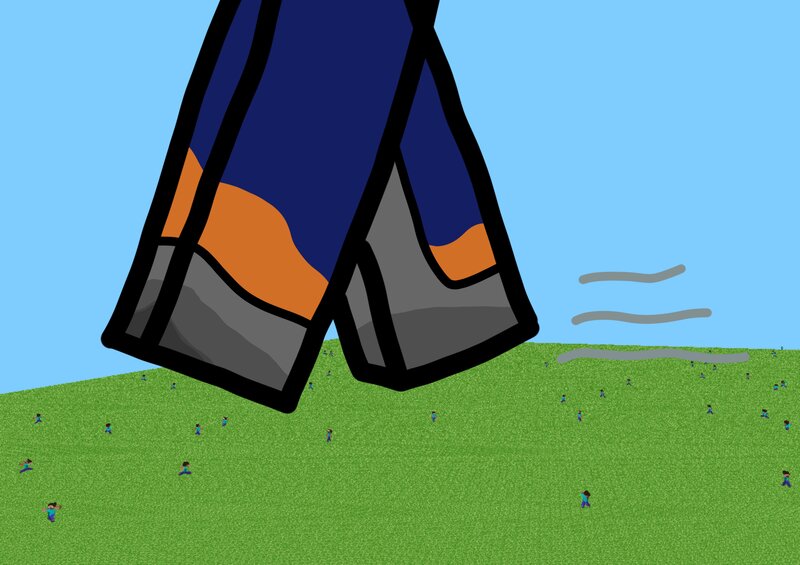
Adds the ability to Crouch and Sprint almost identical from the modern versions to rd-132211 and rd-132328, the earliest two available versions of Minecraft! Inspired by Kilobyte Night's "Ancient Planks" mod. What is this exactly? With this mod installed, holding left shift makes you crouch. When you crouch your camera moves slightly downwards, you move slower, and you can no longer walk off the edges of blocks. This can be useful for precise building. Holding left CTRL enables sprinting, which makes you move faster, allowing you to get around faster and easier whenever you'd like to have a faster movement speed. I've tried to mimic the modern game's sprinting and crouching mechanics for something everybody is used to. Why? For fun. I was bored scrolling through YouTube and saw Kilobyte Night's modding video for this version. Why not? Installation Guide To install this mod, open MultiMC or Prism, create a new instance: Tick "Alphas" beneath the filter on the right side, scroll all the way down, and select one of the bottom two versions. Then right click your new instance and click "Edit". Go to the version tab, right click "Minecraft", select "Add to Minecraft.jar" Then an explorer
Added value
What’s included on this page
Preview, categories, compatibility, and tools on this page — not a bare file mirror.
- Creator
- VersedRhyme41
- Source
- Minecraft downloads library on Eaglercraft Studio
- Type
- Minecraft mod
- Price
- Free download on Eaglercraft Studio
- Curation
- Listed with credit to VersedRhyme41 · studio preview & install guide
- Game Version
- Minecraft 1.3 beta
- Compatible with
- Minecraft Java (match version / loader in facts)
- Tags
- Alpha, Crouch, Movement, Old, Other, Rd132211
Install guide
How to install this free Minecraft mod
Eaglercraft Studio listing with metadata, creator credit, and loader-aware install guidance.
- 1Download the jar/zip when available.
- 2Install the matching loader (Forge, Fabric, or NeoForge) for your Minecraft version.
- 3Drop the mod into your mods folder, then launch with that profile.
Wrong loader or game version usually crashes on startup — read the facts on this page first.
Related free mods
More curated mods from the same library section.

Pastelmooncrafting15 · 67 diamonds · 20 views

PotatoWolfie · 60 diamonds · 2 views

PotatoWolfie · 53 diamonds · 622 views

Janss_33PL · 47 diamonds · 940 views