
Ancient Fossils
Creator: ButterBoyRS · 2026-08-23 · Mods · Free on Eaglercraft Studio
Download Ancient Fossils — free Minecraft mod. Created by ButterBoyRS. Tagged adventure, archaeology, collectibles, dino. Check the file details for Forge, Fabric, or NeoForge before installing.
Creator notes
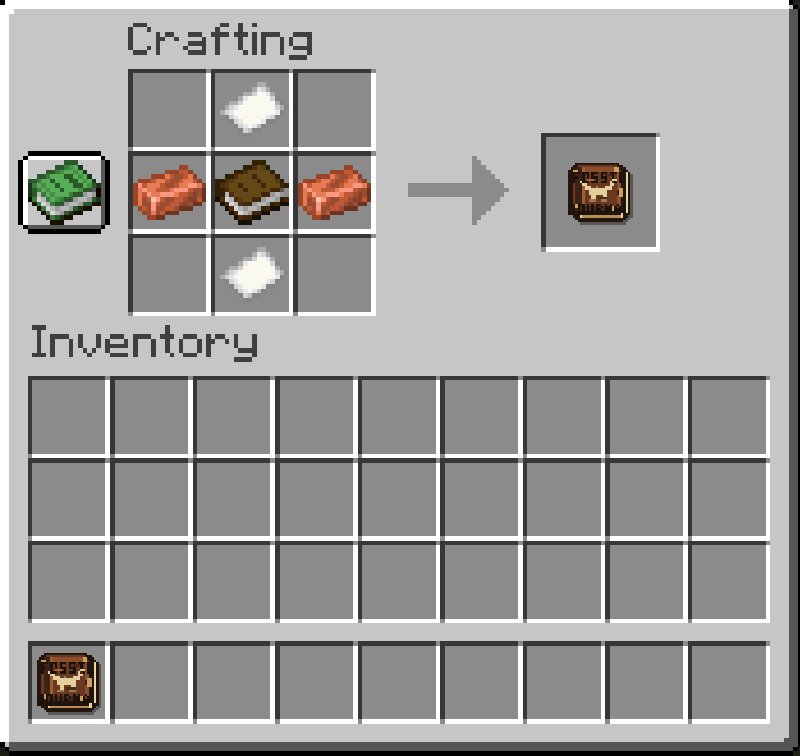
🦴 Ancient Fossils Ancient Fossils expands Minecraft’s archaeology system into a full paleontology experience. Instead of brushing a few suspicious blocks and walking away with pottery sherds, you can discover actual dinosaur fossils, restore complete skeletons, work with paleontologists, and turn your finds into massive prehistoric displays. ⛏️ Go Digging Rare fossil deposits and paleontology dig sites can be found throughout dry and open biomes. You may come across excavation camps complete with tents, supply chests, equipment, and fossil-rich patches of suspicious dirt, sand, and gravel. Grab your brush and start digging. Hidden inside are bones belonging to different prehistoric species, and finding every piece of a skeleton can take some serious exploring. 🦖 Rebuild Prehistoric Skeletons Bring the fossils you find back to the Paleontology Workbench to begin restoring them. Each dinosaur has its own complete fossil set, including pieces like the skull, jaw, neck, spine, ribs, pelvis, limbs, and tail. Collect the entire set and you’ll be able to assemble a large multi-block skeleton display. Build a small fossil collection in your base or go all out and create an entire museum. C
Added value
What’s included on this page
Preview, categories, compatibility, and tools on this page — not a bare file mirror.
- Creator
- ButterBoyRS
- Source
- Minecraft downloads library on Eaglercraft Studio
- Type
- Minecraft mod
- Price
- Free download on Eaglercraft Studio
- Curation
- Listed with credit to ButterBoyRS · studio preview & install guide
- Game Version
- Minecraft 1.21.11
- Compatible with
- Minecraft Java (match version / loader in facts)
- Tags
- Adventure, Archaeology, Collectibles, Dino, Dinosaurs, Exploration
Install guide
How to install this free Minecraft mod
Eaglercraft Studio listing with metadata, creator credit, and loader-aware install guidance.
- 1Download the jar/zip when available.
- 2Install the matching loader (Forge, Fabric, or NeoForge) for your Minecraft version.
- 3Drop the mod into your mods folder, then launch with that profile.
Wrong loader or game version usually crashes on startup — read the facts on this page first.
Related free mods
More curated mods from the same library section.

Pastelmooncrafting15 · 67 diamonds · 20 views

PotatoWolfie · 60 diamonds · 2 views

PotatoWolfie · 53 diamonds · 622 views

Janss_33PL · 47 diamonds · 940 views