
AuraAuth
Creator: RealNamanYT · 2026-05-14 · Mods · Free on Eaglercraft Studio
Download AuraAuth — free Minecraft mod. Created by RealNamanYT. Tagged auraauth, auth, login, loginsecurity. Check the file details for Forge, Fabric, or NeoForge before installing.
Creator notes
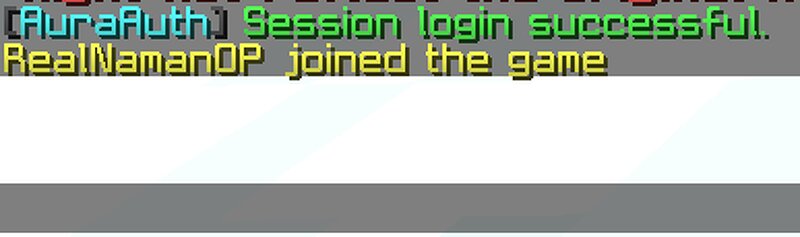
AuraAuth is a lightweight and modern authentication plugin for Paper and Purpur Minecraft servers. It provides a secure login and registration system to protect player accounts and prevent unauthorized access. The plugin is designed to be fast, simple, and easy to configure, making it suitable for both small and large servers. AuraAuth includes session support so players can stay logged in for a configurable time. It also adds protection systems that prevent unauthenticated players from moving, using commands, or taking damage before logging in. Features Secure register and login system Session-based auto login Login timeout system Movement restriction before login Command blocking before authentication Damage protection before login Hidden password input in chat SQLite database support Lightweight and optimized performance Fully customizable messages Supports modern Paper and Purpur versions Commands /register <password> /login <password> Permissions auraauth.admin Supported Platforms Paper Purpur Notes AuraAuth is designed for servers using offline-mode authentication setups and focuses on providing a smooth and secure login experience without external dependencies.
Added value
What’s included on this page
Preview, categories, compatibility, and tools on this page — not a bare file mirror.
- Creator
- RealNamanYT
- Source
- Minecraft downloads library on Eaglercraft Studio
- Type
- Minecraft mod
- Price
- Free download on Eaglercraft Studio
- Curation
- Listed with credit to RealNamanYT · studio preview & install guide
- Game Version
- Minecraft 1.21.11
- Compatible with
- Minecraft Java (match version / loader in facts)
- Tags
- Auraauth, Auth, Login, Loginsecurity, Other, Papermc
Install guide
How to install this free Minecraft mod
Eaglercraft Studio listing with metadata, creator credit, and loader-aware install guidance.
- 1Download the jar/zip when available.
- 2Install the matching loader (Forge, Fabric, or NeoForge) for your Minecraft version.
- 3Drop the mod into your mods folder, then launch with that profile.
Wrong loader or game version usually crashes on startup — read the facts on this page first.
Related free mods
More curated mods from the same library section.

Pastelmooncrafting15 · 67 diamonds · 20 views

PotatoWolfie · 60 diamonds · 2 views

PotatoWolfie · 53 diamonds · 622 views

Janss_33PL · 47 diamonds · 940 views