
Auto Greeting - Server
Creator: lyuwenhan · 2026-03-29 · Mods · Free on Eaglercraft Studio
Download Auto Greeting - Server — free Minecraft mod. Created by lyuwenhan. Tagged chat, functional, greet, utility. Check the file details for Forge, Fabric, or NeoForge before installing.
Creator notes
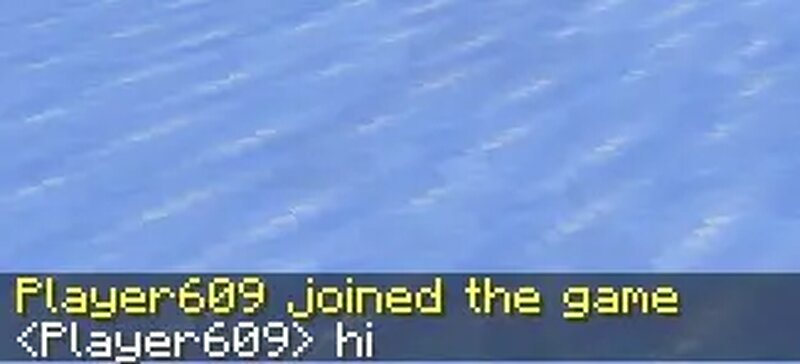
Languages EN/English | ZH-CN/简体中文 Auto Greeting - Server A server-side Fabric mod that automatically sends preset greeting messages when a player joins the server. The mod supports both plain chat messages as well as commands. Features Supports multiple messages Supports plain chat messages as well as commands Supports blacklist / whitelist rules for player names Supports placeholders Automatically sends preset messages when a player joins the server Command Overview /servergreet ... Notes: [a|b] means a or b For example: /servergreet [whitelist|blacklist] list means either: /servergreet whitelist list or /servergreet blacklist list Server-Side Commands Status Controls whether auto greeting is enabled or disabled . /servergreet status /servergreet status enable /servergreet status disable /servergreet status toggle Message Controls the messages sent by the mod. Placeholders are supported. /servergreet message add <message> /servergreet message add <message> <index> /servergreet message remove /servergreet message remove <index> /servergreet message remove all /servergreet message list Placeholders Placeholder Description @player Player name @UUID UUID @X X coordinate (up to 3 deci
Added value
What’s included on this page
Preview, categories, compatibility, and tools on this page — not a bare file mirror.
- Creator
- lyuwenhan
- Source
- Minecraft downloads library on Eaglercraft Studio
- Type
- Minecraft mod
- Price
- Free download on Eaglercraft Studio
- Curation
- Listed with credit to lyuwenhan · studio preview & install guide
- Game Version
- Minecraft 26.3 snapshot
- Compatible with
- Minecraft Java (match version / loader in facts)
- Tags
- Chat, Functional, Greet, Utility
Install guide
How to install this free Minecraft mod
Eaglercraft Studio listing with metadata, creator credit, and loader-aware install guidance.
- 1Download the jar/zip when available.
- 2Install the matching loader (Forge, Fabric, or NeoForge) for your Minecraft version.
- 3Drop the mod into your mods folder, then launch with that profile.
Wrong loader or game version usually crashes on startup — read the facts on this page first.
Related free mods
More curated mods from the same library section.

Pastelmooncrafting15 · 67 diamonds · 20 views

PotatoWolfie · 60 diamonds · 2 views

PotatoWolfie · 53 diamonds · 622 views

Janss_33PL · 47 diamonds · 940 views