
Block & Mob Cannon
Creator: OakLeaf_Studios · 2026-08-14 · Mods · Free on Eaglercraft Studio
Download Block & Mob Cannon — free Minecraft mod. Created by OakLeaf_Studios. Tagged aesthetic, block, create, gun. Check the file details for Forge, Fabric, or NeoForge before installing.
Creator notes
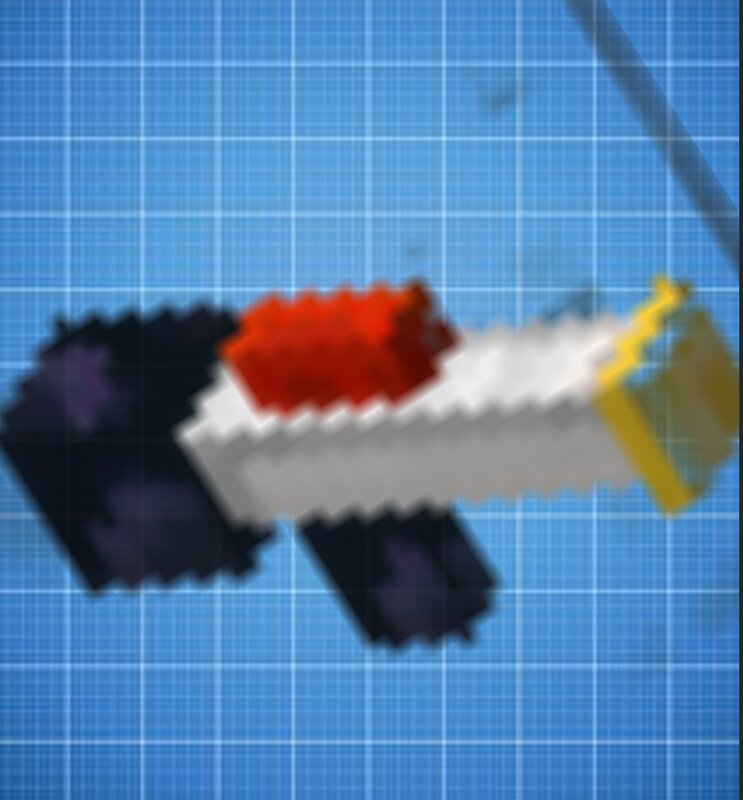
Tired of ordinary bows and crossbows? **Block & Mob Cannon** adds a powerful futuristic cannon to the game, capable of firing any building blocks and mob spawn eggs! Building a base from a distance? Load a stone or obsidian and “shoot” the wall from afar! Want to create chaos? Load spawn eggs and spawn an army of mobs right into the enemy fort! 🔥 Mod features: • 💥 Block shooting: The released block is automatically placed at the hit point! • 👾 Mob shooting: Charge any spawn eggs and spawn mobs over a huge distance. • 🎨 Custom 3D model: A unique blaster with a detailed barrel, handle, and core. • ✨ Effects and physics: Realistic recoil, flame flashes, smoke clouds, sparks, and juicy shot sounds. • 🔄 Simple charging: Supports fast shooting and pre‑charging via the left hand! 🕹 How to use: 1. Take the cannon in your right hand. 2. Place the desired block or summoning egg in the LEFT hand (offhand). 3. Press Shift + RMB to seal the projectile inside the cannon (or just shoot directly with the block in the left hand). 4. Press RMB to shoot! How to Obtain the Item: 1. command: /give @s blockgunmod:block_cannon 2. Inventory: item.blockgunmod:block_cannon ⚙️ Installation: 1. Download and i
Added value
What’s included on this page
Preview, categories, compatibility, and tools on this page — not a bare file mirror.
- Creator
- OakLeaf_Studios
- Source
- Minecraft downloads library on Eaglercraft Studio
- Type
- Minecraft mod
- Price
- Free download on Eaglercraft Studio
- Curation
- Listed with credit to OakLeaf_Studios · studio preview & install guide
- Game Version
- Minecraft 1.20.1
- Compatible with
- Minecraft Java (match version / loader in facts)
- Tags
- Aesthetic, Block, Create, Gun
Install guide
How to install this free Minecraft mod
Eaglercraft Studio listing with metadata, creator credit, and loader-aware install guidance.
- 1Download the jar/zip when available.
- 2Install the matching loader (Forge, Fabric, or NeoForge) for your Minecraft version.
- 3Drop the mod into your mods folder, then launch with that profile.
Wrong loader or game version usually crashes on startup — read the facts on this page first.
Related free mods
More curated mods from the same library section.

Pastelmooncrafting15 · 67 diamonds · 20 views

PotatoWolfie · 60 diamonds · 2 views

PotatoWolfie · 53 diamonds · 622 views

Janss_33PL · 47 diamonds · 940 views