
Breaking Warning
Creator: marcsanz-dev · 2026-02-25 · Mods · Free on Eaglercraft Studio
Download Breaking Warning — free Minecraft mod. Created by marcsanz-dev. Tagged other. Check the file details for Forge, Fabric, or NeoForge before installing.
Creator notes
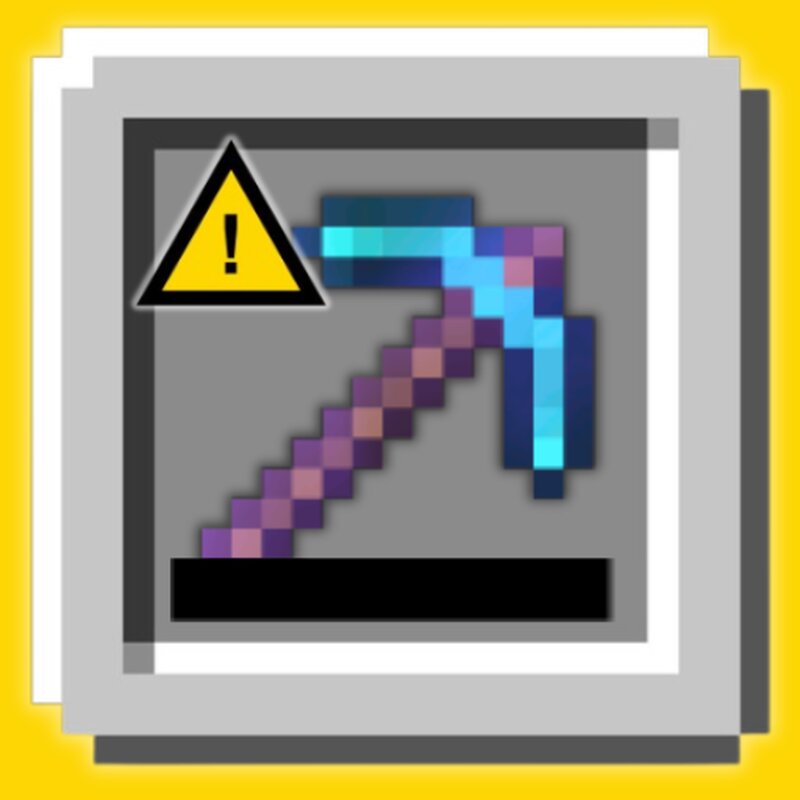
Breaking Warning Never lose your valuable tools and armor again! Breaking Warning is a highly customizable, lightweight Fabric mod that safely locks your items right before they break. It gives you full control over your gear with visual alerts, audio cues, and native in-game configuration. Core Features Automatic Durability Lock When your tool or armor reaches its critical durability threshold (1 use by default), the mod prevents you from using it. It instantly nerfs the mining speed and attack damage to zero, shielding your gear from accidental destruction. 🛡️ Sneak to Bypass Need to break the tool anyway? You are always in control. Simply hold SHIFT (Sneak) to bypass the safety lock. Your full mining speed and attack damage will be restored, allowing you to sacrifice the item if you choose to. ⛏️🔥 Immersive Feedback Visual and Audio Alerts The exact moment your tool is saved, you will hear a distinct shield-blocking sound and see critical hit particles, instantly alerting you to stop mining. ✨ Custom Tooltips and Inventory Icons Protected items receive a dynamic yellow warning icon directly inside your inventory slot. Additionally, a clear tooltip message is added to the item so
Added value
What’s included on this page
Preview, categories, compatibility, and tools on this page — not a bare file mirror.
- Creator
- marcsanz-dev
- Source
- Minecraft downloads library on Eaglercraft Studio
- Type
- Minecraft mod
- Price
- Free download on Eaglercraft Studio
- Curation
- Listed with credit to marcsanz-dev · studio preview & install guide
- Game Version
- Minecraft 1.21.11
- Compatible with
- Minecraft Java (match version / loader in facts)
- Tags
- Other
Install guide
How to install this free Minecraft mod
Eaglercraft Studio listing with metadata, creator credit, and loader-aware install guidance.
- 1Download the jar/zip when available.
- 2Install the matching loader (Forge, Fabric, or NeoForge) for your Minecraft version.
- 3Drop the mod into your mods folder, then launch with that profile.
Wrong loader or game version usually crashes on startup — read the facts on this page first.
Related free mods
More curated mods from the same library section.

Pastelmooncrafting15 · 67 diamonds · 20 views

PotatoWolfie · 60 diamonds · 2 views

PotatoWolfie · 53 diamonds · 622 views

Janss_33PL · 47 diamonds · 940 views