
Chain Slide
Creator: marcsanz-dev · 2026-02-23 · Mods · Free on Eaglercraft Studio
Download Chain Slide — free Minecraft mod. Created by marcsanz-dev. Tagged functional. Check the file details for Forge, Fabric, or NeoForge before installing.
Creator notes
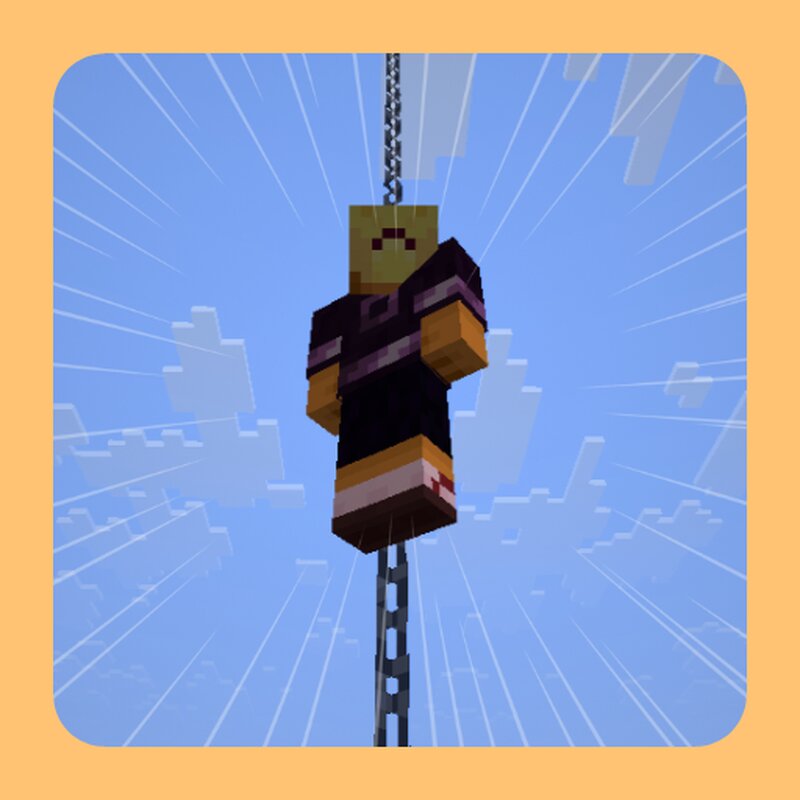
Chain Slide Stop slowly descending ladders. Start sliding! 🧗♂️🚒 Chain Slide revolutionizes vertical movement in Minecraft. It allows you to intuitively climb up and rapidly slide down various pole-like blocks that were previously merely decorative. Move through your world like a firefighter! Key Features Intuitive Mechanics: Simply walk into a supported block to grab onto it. Hold space to climb up, or let go to slide down quickly. Fast Descent: Sliding down is significantly faster than climbing down a vanilla ladder, making it perfect for tall builds or deep caves. Precise Hitboxes: Includes custom collision detection for tricky blocks like bamboo, ensuring you always grab them correctly. Fully Configurable: Don't want fences to be climbable? Turn them off easily in the settings menu. Supported Blocks It’s not just for chains! Almost any pole-like block is supported right out of the box. ⛓️🪵 Chain variants, Iron Bars, Copper Bars, Bamboo, End Rods, and Fences. Natural Exploration Navigating jungles has never been easier. Use naturally generated bamboo stalks as instant elevators. 🎋 Configuration The mod works instantly, but everything is customizable. If you have ModMenu and Clot
Added value
What’s included on this page
Preview, categories, compatibility, and tools on this page — not a bare file mirror.
- Creator
- marcsanz-dev
- Source
- Minecraft downloads library on Eaglercraft Studio
- Type
- Minecraft mod
- Price
- Free download on Eaglercraft Studio
- Curation
- Listed with credit to marcsanz-dev · studio preview & install guide
- Game Version
- Minecraft 1.21.11
- Compatible with
- Minecraft Java (match version / loader in facts)
- Tags
- Functional
Install guide
How to install this free Minecraft mod
Eaglercraft Studio listing with metadata, creator credit, and loader-aware install guidance.
- 1Download the jar/zip when available.
- 2Install the matching loader (Forge, Fabric, or NeoForge) for your Minecraft version.
- 3Drop the mod into your mods folder, then launch with that profile.
Wrong loader or game version usually crashes on startup — read the facts on this page first.
Related free mods
More curated mods from the same library section.

Pastelmooncrafting15 · 67 diamonds · 20 views

PotatoWolfie · 60 diamonds · 2 views

PotatoWolfie · 53 diamonds · 622 views

Janss_33PL · 47 diamonds · 940 views