
Chest Preview
Creator: Timexo · 2026-06-06 · Mods · Free on Eaglercraft Studio
Download Chest Preview — free Minecraft mod. Created by Timexo. Tagged chest, functional, management, optimization. Check the file details for Forge, Fabric, or NeoForge before installing.
Creator notes
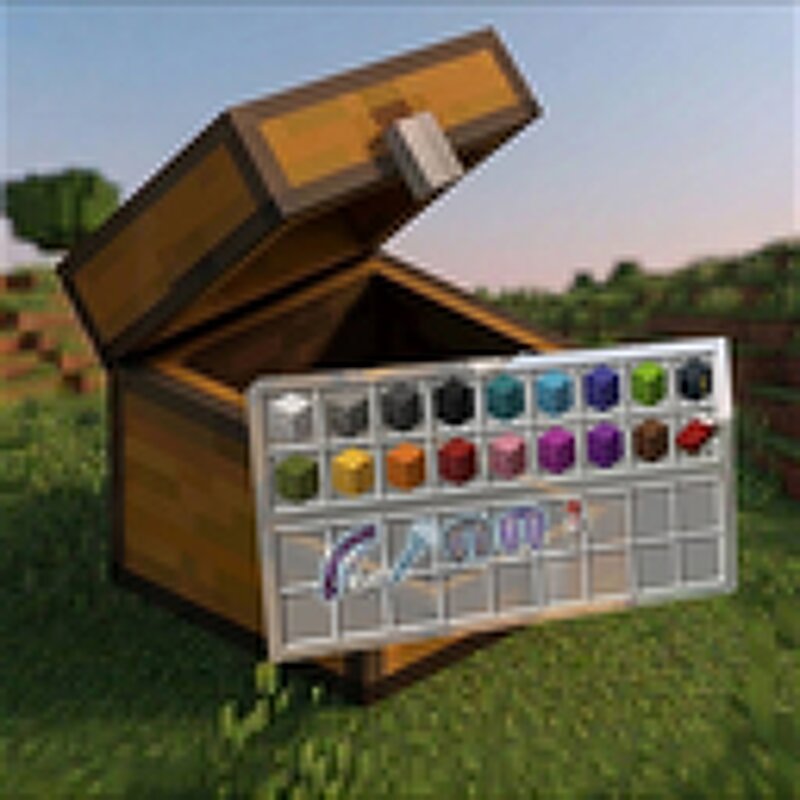
👀 Chest Preview Stop opening every chest blindly. Chest Preview lets you instantly preview container contents just by looking at them — fast, smooth, and completely vanilla-friendly. No more wasting time checking empty chests, barrels, or shulker boxes one by one. Simply look at a container and a clean animated preview appears on your screen showing everything inside. Perfect for: * Survival players * Storage builders * Technical players * Multiplayer servers * Loot hunters * Streamers & YouTubers --- ✨ Features 📦 Instant Container Preview Preview contents without opening: * Chests * Double Chests * Barrels * Shulker Boxes * Hoppers * Dispensers * Furnaces * Blast Furnaces * Smokers --- 🎨 Beautiful Vanilla-Style UI Designed to feel like an official Minecraft feature. * Smooth fade animations * Clean scaling effects * Elegant compact layout * Modern polished visuals * Vanilla-friendly design --- 💎 Smart Item Rendering See important details instantly: * Stack counts * Enchantment glint * Hover tooltips * Rare item highlighting Rare items like: * Diamonds * Netherite * Elytra * Totems * Ancient Debris * Enchanted Gear …receive subtle visual glow effects. --- ⚡ Smart Detection System T
Added value
What’s included on this page
Preview, categories, compatibility, and tools on this page — not a bare file mirror.
- Creator
- Timexo
- Source
- Minecraft downloads library on Eaglercraft Studio
- Type
- Minecraft mod
- Price
- Free download on Eaglercraft Studio
- Curation
- Listed with credit to Timexo · studio preview & install guide
- Game Version
- Minecraft 1.21.1
- Compatible with
- Minecraft Java (match version / loader in facts)
- Tags
- Chest, Functional, Management, Optimization, Preview, Previewchest
Install guide
How to install this free Minecraft mod
Eaglercraft Studio listing with metadata, creator credit, and loader-aware install guidance.
- 1Download the jar/zip when available.
- 2Install the matching loader (Forge, Fabric, or NeoForge) for your Minecraft version.
- 3Drop the mod into your mods folder, then launch with that profile.
Wrong loader or game version usually crashes on startup — read the facts on this page first.
Related free mods
More curated mods from the same library section.

Pastelmooncrafting15 · 67 diamonds · 20 views

PotatoWolfie · 60 diamonds · 2 views

PotatoWolfie · 53 diamonds · 622 views

Janss_33PL · 47 diamonds · 940 views