
Absolute Order
Creator: marcsanz-dev · 2026-02-12 · Mods · Free on Eaglercraft Studio
Download Absolute Order — free Minecraft mod. Created by marcsanz-dev. Tagged cosmetic, functional, game mechanic, management. Check the file details for Forge, Fabric, or NeoForge before installing.
Creator notes
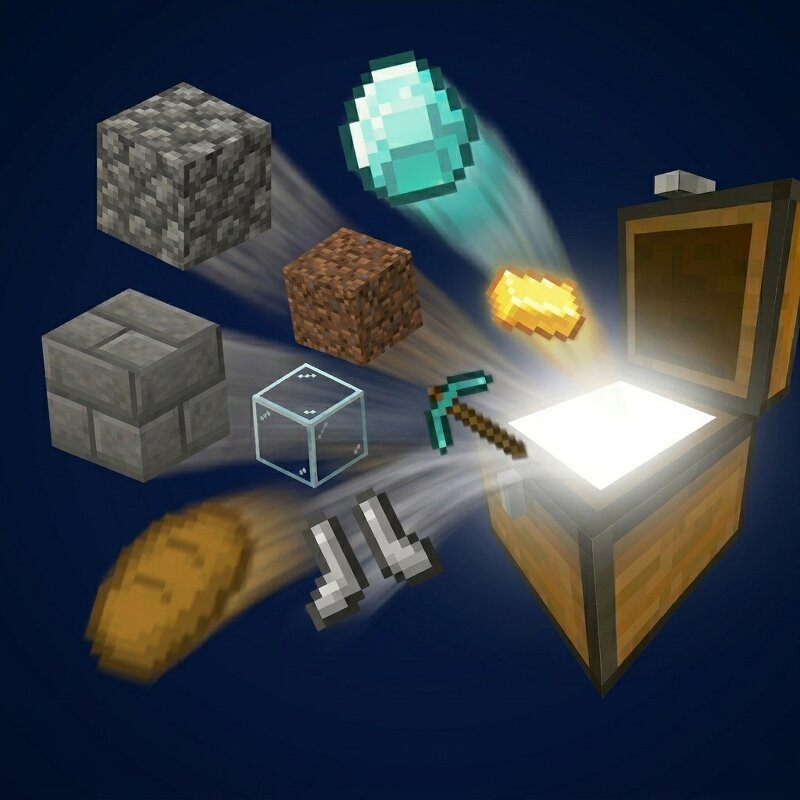
Absolute Order Achieve fast inventory clearing with custom auto-deposit. The game finally knows exactly what you really want, where you want it — and now it keeps it perfectly sorted, all on its own. Tired of manually sorting your loot after a long mining session? Returning to your base should feel rewarding, not like a chore. Absolute Order revolutionizes inventory management by giving you complete control over your storage system. Design your chests visually, set strict sorting rules, and empty your inventory with a single click. Whether you are a casual player tidying up a starter base or a technical modpack player juggling thousands of items, this mod is the ultimate vanilla-friendly solution to chest chaos — and v2.0.0 rebuilds it from the ground up with a stunning new look, self-sorting priority filters, and full two-way item flow. One-Click Auto-Deposit The core of Absolute Order is pure efficiency. Once you have defined your chest rules, you no longer need to drag and drop items. Simply press the dedicated "Deposit" button (or your configured hotkey). ⚡ Watch your chaotic inventory instantly fly into the exact slots you designated. The system intelligently scans your invent
Added value
What’s included on this page
Preview, categories, compatibility, and tools on this page — not a bare file mirror.
- Creator
- marcsanz-dev
- Source
- Minecraft downloads library on Eaglercraft Studio
- Type
- Minecraft mod
- Price
- Free download on Eaglercraft Studio
- Curation
- Listed with credit to marcsanz-dev · studio preview & install guide
- Game Version
- Minecraft 26.2
- Compatible with
- Minecraft Java (match version / loader in facts)
- Tags
- Cosmetic, Functional, Game Mechanic, Management, Qol, Qualityoflife
Install guide
How to install this free Minecraft mod
Eaglercraft Studio listing with metadata, creator credit, and loader-aware install guidance.
- 1Download the jar/zip when available.
- 2Install the matching loader (Forge, Fabric, or NeoForge) for your Minecraft version.
- 3Drop the mod into your mods folder, then launch with that profile.
Wrong loader or game version usually crashes on startup — read the facts on this page first.
Related free mods
More curated mods from the same library section.

Pastelmooncrafting15 · 67 diamonds · 20 views

PotatoWolfie · 60 diamonds · 2 views

PotatoWolfie · 53 diamonds · 622 views

Janss_33PL · 47 diamonds · 940 views