
Client Commands
Creator: BibekTheLegend · 2026-01-05 · Mods · Free on Eaglercraft Studio
Download Client Commands — free Minecraft mod. Created by BibekTheLegend. Tagged bibekthelegend, client, clientside, command. Check the file details for Forge, Fabric, or NeoForge before installing.
Creator notes
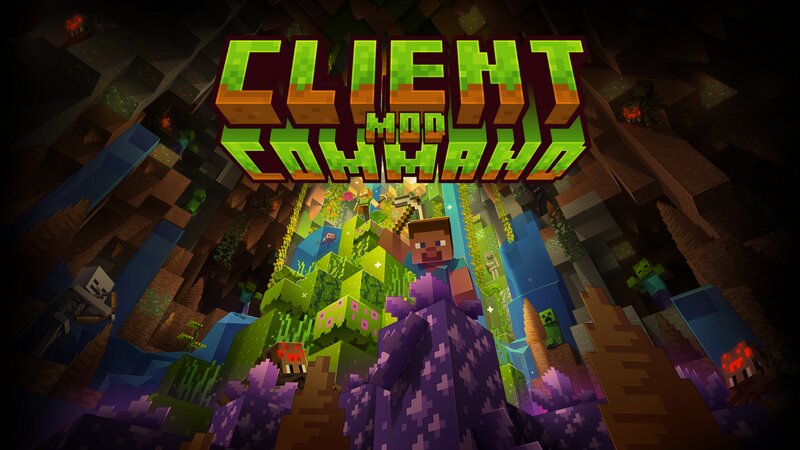
Client Command is a lightweight client-side Minecraft mod that adds powerful chat commands for controlling common game settings without opening menus. All commands run entirely on the client. No server installation is required, no permissions are needed, and it works on any server because it never sends anything server-side. This mod is designed for players who want faster access to graphics, performance, and quality-of-life settings directly from chat and many more! Features : Fully client-side commands No server permissions required Instant setting changes from chat Lightweight and performance-friendly Settings are saved and persistent between game launches Customizable command prefix Example Commands : - $setting-fov Change your field of view instantly - $setting-render-distance Modify render distance without opening video settings - $setting-simulation-distance Adjust simulation distance on the fly - $setting-graphics Switch graphics mode (Fast, Fancy, Fabulous) - $setting-fps Set max FPS or disable the FPS limit - $setting-vsync Enable or disable VSync - $discord-webhook Save, show, and send messages to a Discord webhook And many more 30+ commands available in-game. Configurat
Added value
What’s included on this page
Preview, categories, compatibility, and tools on this page — not a bare file mirror.
- Creator
- BibekTheLegend
- Source
- Minecraft downloads library on Eaglercraft Studio
- Type
- Minecraft mod
- Price
- Free download on Eaglercraft Studio
- Curation
- Listed with credit to BibekTheLegend · studio preview & install guide
- Game Version
- Minecraft 1.21
- Compatible with
- Minecraft Java (match version / loader in facts)
- Tags
- Bibekthelegend, Client, Clientside, Command, Config, Farbic
Install guide
How to install this free Minecraft mod
Eaglercraft Studio listing with metadata, creator credit, and loader-aware install guidance.
- 1Download the jar/zip when available.
- 2Install the matching loader (Forge, Fabric, or NeoForge) for your Minecraft version.
- 3Drop the mod into your mods folder, then launch with that profile.
Wrong loader or game version usually crashes on startup — read the facts on this page first.
Related free mods
More curated mods from the same library section.

Pastelmooncrafting15 · 67 diamonds · 20 views

PotatoWolfie · 60 diamonds · 2 views

PotatoWolfie · 53 diamonds · 622 views

Janss_33PL · 47 diamonds · 940 views