
Copper Buttons - New Redstone Buttons
Creator: marcsanz-dev · 2026-03-15 · Mods · Free on Eaglercraft Studio
Download Copper Buttons - New Redstone Buttons — free Minecraft mod. Created by marcsanz-dev. Tagged other. Check the file details for Forge, Fabric, or NeoForge before installing.
Creator notes
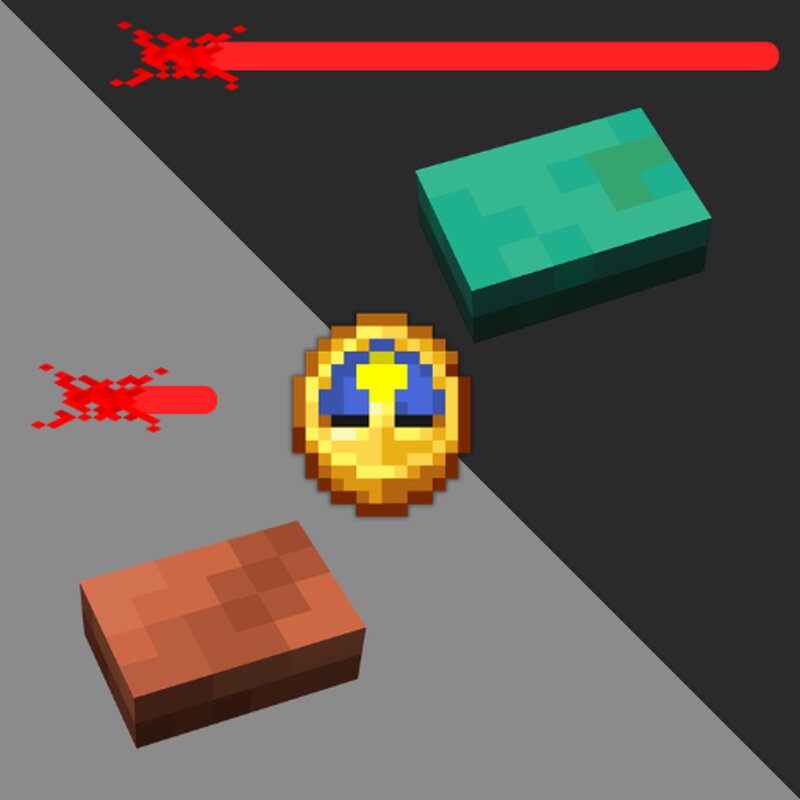
Copper Buttons Welcome to Copper Buttons , a vanilla-friendly mod designed for redstone engineers, builders, and everyone who loves the weathering mechanics of Minecraft! This mod introduces a brand-new set of functional buttons made entirely of copper. Just like regular copper blocks, these buttons will naturally oxidize over time, and their redstone properties will dynamically change as they age. It seamlessly blends aesthetics with technical utility. Dynamic Redstone Timings The core mechanic of this mod is simple but incredibly powerful: the more oxidized the copper button becomes, the longer its redstone signal pulse will last . This effectively turns the buttons into natural, compact signal extenders. Whether you need a lightning-fast pulse for a piston door, or a long delay to keep a hidden trap open, there is a specific oxidation stage perfectly suited for the job. Oxidation and Waxing As time passes in your world, your shiny new buttons will transition through four stages of degradation: Clean, Exposed, Weathered, and fully Oxidized. Have you found the perfect timing for your contraption and want to keep it that way? You can preserve it! Simply craft the aged button with a
Added value
What’s included on this page
Preview, categories, compatibility, and tools on this page — not a bare file mirror.
- Creator
- marcsanz-dev
- Source
- Minecraft downloads library on Eaglercraft Studio
- Type
- Minecraft mod
- Price
- Free download on Eaglercraft Studio
- Curation
- Listed with credit to marcsanz-dev · studio preview & install guide
- Game Version
- Minecraft 1.21.11
- Compatible with
- Minecraft Java (match version / loader in facts)
- Tags
- Other
Install guide
How to install this free Minecraft mod
Eaglercraft Studio listing with metadata, creator credit, and loader-aware install guidance.
- 1Download the jar/zip when available.
- 2Install the matching loader (Forge, Fabric, or NeoForge) for your Minecraft version.
- 3Drop the mod into your mods folder, then launch with that profile.
Wrong loader or game version usually crashes on startup — read the facts on this page first.
Related free mods
More curated mods from the same library section.

Pastelmooncrafting15 · 67 diamonds · 20 views

PotatoWolfie · 60 diamonds · 2 views

PotatoWolfie · 53 diamonds · 622 views

Janss_33PL · 47 diamonds · 940 views