
Creeper FX (Alx)
Creator: AlexxRZ · 2026-01-03 · Mods · Free on Eaglercraft Studio
Download Creeper FX (Alx) — free Minecraft mod. Created by AlexxRZ. Tagged 1201mod, aesthetic, audio, creeper. Check the file details for Forge, Fabric, or NeoForge before installing.
Creator notes
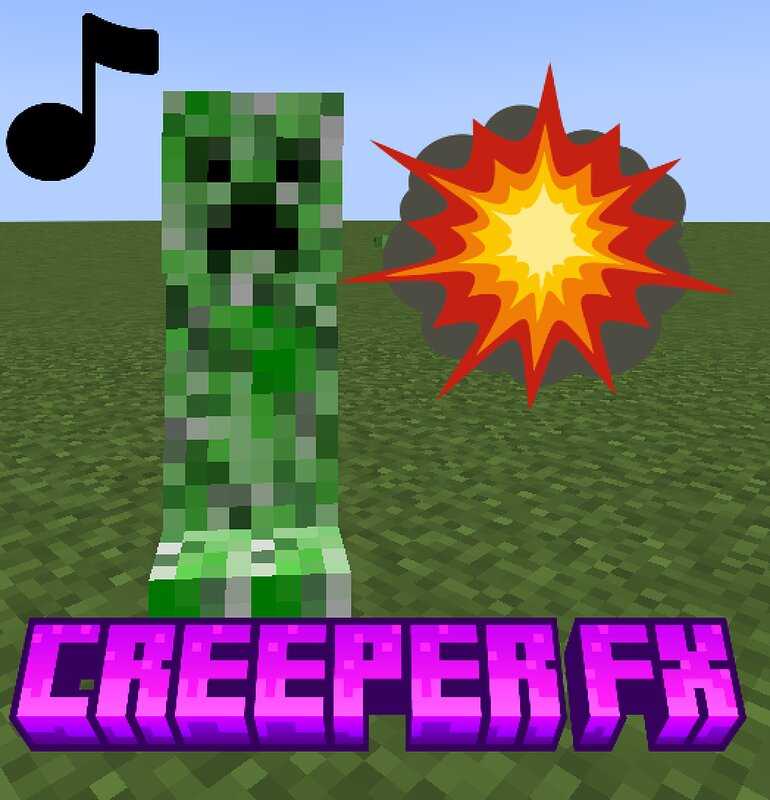
English Description: Creeper FX (Alx) is a lightweight cosmetic mod that replaces the creeper's original explosion sound with custom sounds, while maintaining the original gameplay since these sounds are unique to the creeper. Most of the sounds are so random that they're actually kind of funny. This is my first mod, and it works well in both single-player and multiplayer modes. I was thinking of adding even more features, but I don't have a clear idea yet. Any recommendations or ideas are welcome :) Spanish Description: Creeper FX (Alx) es un mod cosmético ligero que reemplaza el sonido de explosión original del creeper con sonidos personalizados, manteniendo la jugabilidad original, ya que estos sonidos son exclusivos del creeper. La mayoría de los sonidos son tan ramdoms que resultan incluso graciosos. Este es mi primer mod y funciona bien tanto en modo individual como multijugador. Estaba pensando en añadir aún más funciones, pero aún no tengo una idea clara. Cualquier recomendación o idea es bienvenida :)
Added value
What’s included on this page
Preview, categories, compatibility, and tools on this page — not a bare file mirror.
- Creator
- AlexxRZ
- Source
- Minecraft downloads library on Eaglercraft Studio
- Type
- Minecraft mod
- Price
- Free download on Eaglercraft Studio
- Curation
- Listed with credit to AlexxRZ · studio preview & install guide
- Game Version
- Minecraft 1.20.1
- Compatible with
- Minecraft Java (match version / loader in facts)
- Tags
- 1201mod, Aesthetic, Audio, Creeper, Explosion, Forge
Install guide
How to install this free Minecraft mod
Eaglercraft Studio listing with metadata, creator credit, and loader-aware install guidance.
- 1Download the jar/zip when available.
- 2Install the matching loader (Forge, Fabric, or NeoForge) for your Minecraft version.
- 3Drop the mod into your mods folder, then launch with that profile.
Wrong loader or game version usually crashes on startup — read the facts on this page first.
Related free mods
More curated mods from the same library section.

Pastelmooncrafting15 · 67 diamonds · 20 views

PotatoWolfie · 60 diamonds · 2 views

PotatoWolfie · 53 diamonds · 622 views

Janss_33PL · 47 diamonds · 940 views