
Custom Trims | Bedrock Edition
Creator: BlackFire4775 · 2026-04-26 · Mods · Free on Eaglercraft Studio
Download Custom Trims | Bedrock Edition — free Minecraft mod. Created by BlackFire4775. Tagged 3d, 3darmor, armadillo, armor. Check the file details for Forge, Fabric, or NeoForge before installing.
Creator notes
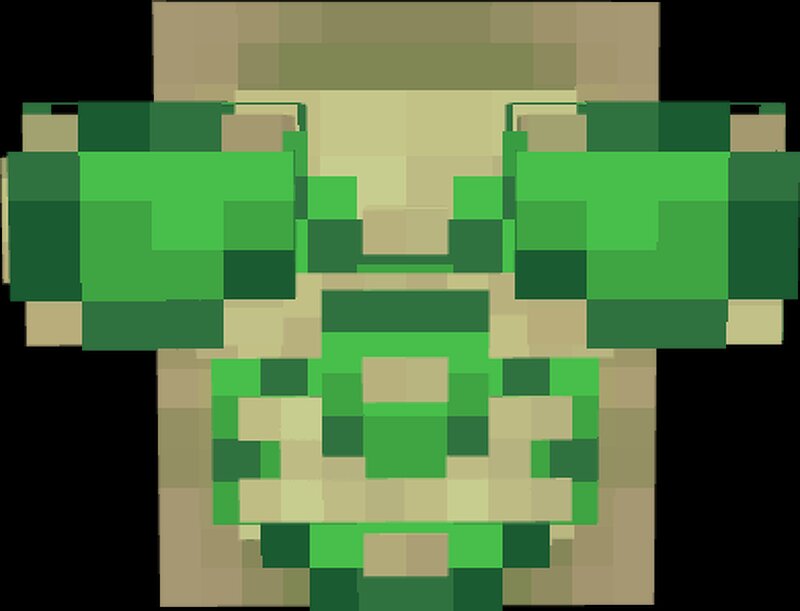
Custom Trims Custom Trims and Upgraded Versions of Armors, Including Armadillo and Turtle Armor! With Armadillo and Turtle Armor Sets Added Version 1.1 - Updated Turtle Armor Model - Added Smallback Chestplate as Optional Wear Armor Trims 3D Models Click to View Click to reveal New Armor Trims Each Trim Template now has unique looks and 3D Models! Combine them for different looks! Example of Bolt Armor Trim Example of Rib Armor Trim Helmet Chestplate Leggings Boots You can get different looks based on which Trims you combine! Custom Armors Click to View Click to reveal Turtle Armor Armadillo Armor These Sets will also take on the custom Trims! Realm Re-Development -+- Join Today -+- Click To View Click to reveal Help us get Reborn RPG's Realm/Server back up and running! Join Reborn RPG's Discord Today Click Here! We need help with funding, and encouragement to fix all old addons and the 80,000k by 80,000k map!please donate today! Donate Here! Click Here THANK YOU! - Thanks for Downloading Enjoy The Addon!
Added value
What’s included on this page
Preview, categories, compatibility, and tools on this page — not a bare file mirror.
- Creator
- BlackFire4775
- Source
- Minecraft downloads library on Eaglercraft Studio
- Type
- Minecraft mod
- Price
- Free download on Eaglercraft Studio
- Curation
- Listed with credit to BlackFire4775 · studio preview & install guide
- Game Version
- Minecraft 26.1.1
- Compatible with
- Minecraft Java (match version / loader in facts)
- Tags
- 3d, 3darmor, Armadillo, Armor, Armortrims, Bedrock
Install guide
How to install this free Minecraft mod
Eaglercraft Studio listing with metadata, creator credit, and loader-aware install guidance.
- 1Download the jar/zip when available.
- 2Install the matching loader (Forge, Fabric, or NeoForge) for your Minecraft version.
- 3Drop the mod into your mods folder, then launch with that profile.
Wrong loader or game version usually crashes on startup — read the facts on this page first.
Related free mods
More curated mods from the same library section.

Pastelmooncrafting15 · 67 diamonds · 20 views

PotatoWolfie · 60 diamonds · 2 views

PotatoWolfie · 53 diamonds · 622 views

Janss_33PL · 47 diamonds · 940 views