
Dawn of the Flood
Creator: ASEStefan · 2026-05-05 · Mods · Free on Eaglercraft Studio
Download Dawn of the Flood — free Minecraft mod. Created by ASEStefan. Tagged adventure, alien, flood, forge. Check the file details for Forge, Fabric, or NeoForge before installing.
Creator notes
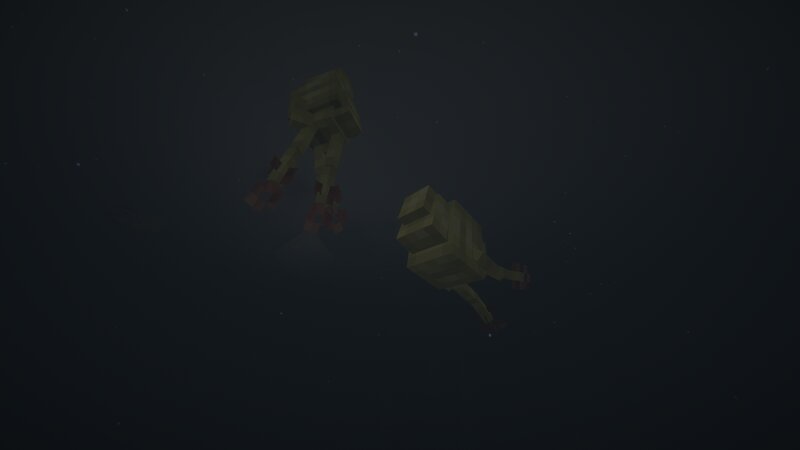
❗️ MOD IN VERY EARLY DEVELOPMENT ❗️ BE PATIENT WITH THE UPDATES ❗️ TO SPEED UP THE PROCESS, YOU CAN DONATE TO OUR PATREON ❗️ SO THE MOD ISN'T DEAD, IT TAKES TIME TO RELEASE UPDATES ❗️ 🔨 In-Depth Project Details: Dawn of the Flood is our magnus opus, therefore it has a lot of complex systems and coding. The mod is in active development so please be patient with the updates and also regarding the first statement, the mod is so complex that it requires multiple dependencies to run. The mod also is a mixture of more complex code extensions, such as the GeckoLib extension created fully by me which makes manual animations a breeze and also bring in support for smooth bedrock keyframes (now fully available with GeckoLib as well). The extension also offers humanoid armor support and much more! The pack even extends in Blockbench, where we use little animation tricks and combinations to obtain smooth results. We also offer support for customizable camera animations and camera bone support to change the player's camera in game at ANY point, with smooth and timed animations. ⚜️ Project Description & Information: Dawn of the Flood is the multicomplex infection-invasion mod that adds the Flood
Added value
What’s included on this page
Preview, categories, compatibility, and tools on this page — not a bare file mirror.
- Creator
- ASEStefan
- Source
- Minecraft downloads library on Eaglercraft Studio
- Type
- Minecraft mod
- Price
- Free download on Eaglercraft Studio
- Curation
- Listed with credit to ASEStefan · studio preview & install guide
- Game Version
- Minecraft 1.20.1
- Compatible with
- Minecraft Java (match version / loader in facts)
- Tags
- Adventure, Alien, Flood, Forge, Halo, Horror
Install guide
How to install this free Minecraft mod
Eaglercraft Studio listing with metadata, creator credit, and loader-aware install guidance.
- 1Download the jar/zip when available.
- 2Install the matching loader (Forge, Fabric, or NeoForge) for your Minecraft version.
- 3Drop the mod into your mods folder, then launch with that profile.
Wrong loader or game version usually crashes on startup — read the facts on this page first.
Related free mods
More curated mods from the same library section.

Pastelmooncrafting15 · 67 diamonds · 20 views

PotatoWolfie · 60 diamonds · 2 views

PotatoWolfie · 53 diamonds · 622 views

Janss_33PL · 47 diamonds · 940 views