
Dess Holiday Mod
Creator: DecemberHoliday · 2026-08-01 · Mods · Free on Eaglercraft Studio
Download Dess Holiday Mod — free Minecraft mod. Created by DecemberHoliday. Tagged deltarune, dess, dessholiday, minecraft. Check the file details for Forge, Fabric, or NeoForge before installing.
Creator notes
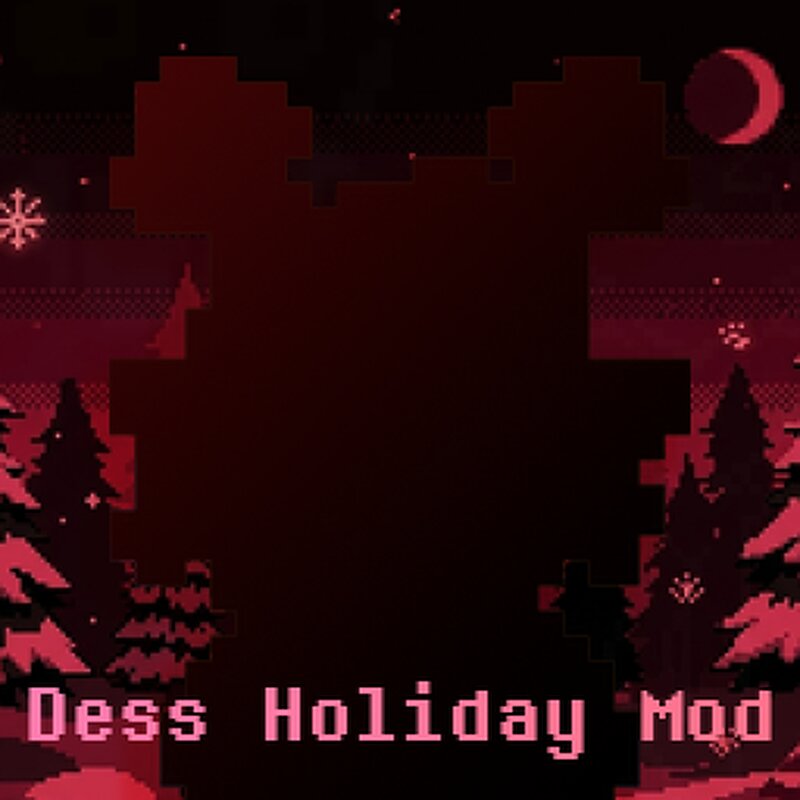
Dess Holiday Mod (Forge 1.20.1) Mod for Minecraft Forge 1.20.1, fully dedicated to integrating December (Dess) Holiday, the unseen character from Deltarune into the game. Originally developed as a personal project for multiplayer gameplay among friends, this mod has been made open-source and publicly available for the community. Players and developers are welcome to utilize the mod, submit feature requests, inspect or modify the source code for custom forks and report bugs. Report an issue / Source-code The mod is do not requires external library dependencies. So you just download and use. Features Companion NPC: Dess spawns naturally in your world during night-time hours. Right-clicking her establishes companionship, allowing her to follow you and assist on your adventures. Interactive GUI: Press Shift + Right-Click on Dess to access her interactive menu GUI. Customization: Customize her display name dynamically or apply custom skins via image URL or direct Minecraft username skin lookup within the menu. Behavior Toggles: - Toggle between Follow and Sit modes. - Toggle armor visibility on her character model whilst maintaining full defensive stats. - Enable or disable her randomiz
Added value
What’s included on this page
Preview, categories, compatibility, and tools on this page — not a bare file mirror.
- Creator
- DecemberHoliday
- Source
- Minecraft downloads library on Eaglercraft Studio
- Type
- Minecraft mod
- Price
- Free download on Eaglercraft Studio
- Curation
- Listed with credit to DecemberHoliday · studio preview & install guide
- Game Version
- Minecraft 1.20.1
- Compatible with
- Minecraft Java (match version / loader in facts)
- Tags
- Deltarune, Dess, Dessholiday, Minecraft, Other
Install guide
How to install this free Minecraft mod
Eaglercraft Studio listing with metadata, creator credit, and loader-aware install guidance.
- 1Download the jar/zip when available.
- 2Install the matching loader (Forge, Fabric, or NeoForge) for your Minecraft version.
- 3Drop the mod into your mods folder, then launch with that profile.
Wrong loader or game version usually crashes on startup — read the facts on this page first.
Related free mods
More curated mods from the same library section.

Pastelmooncrafting15 · 67 diamonds · 20 views

PotatoWolfie · 60 diamonds · 2 views

PotatoWolfie · 53 diamonds · 622 views

Janss_33PL · 47 diamonds · 940 views