
Echo Pickaxe
Creator: marcsanz-dev · 2026-03-09 · Mods · Free on Eaglercraft Studio
Download Echo Pickaxe — free Minecraft mod. Created by marcsanz-dev. Tagged other. Check the file details for Forge, Fabric, or NeoForge before installing.
Creator notes
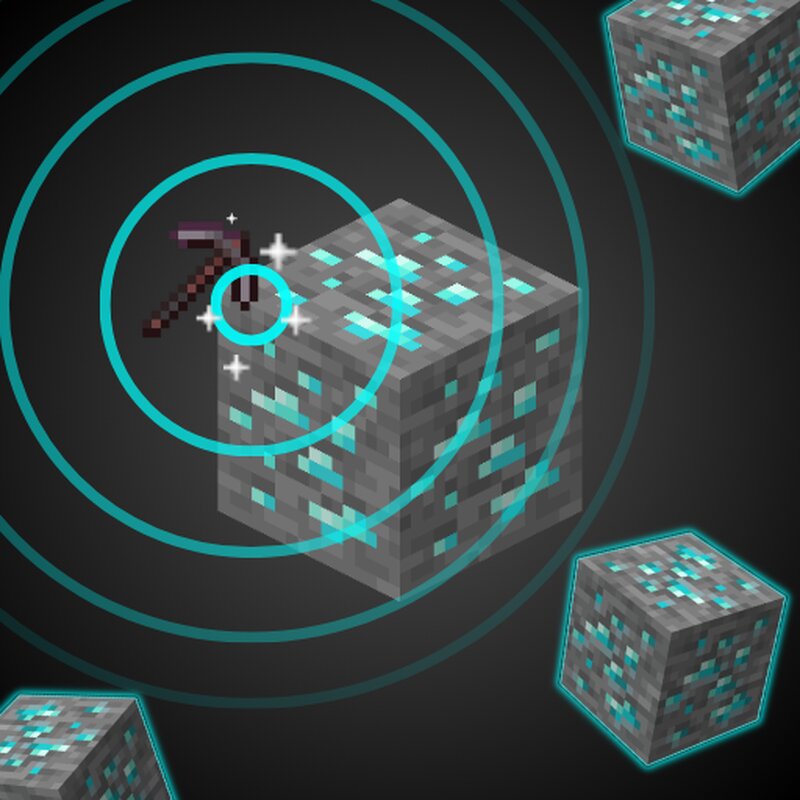
Echo Pickaxe Stop leaving valuable ores behind! Echo Pickaxe is a highly customizable, vanilla-friendly mining utility. When you mine an ore, your pickaxe emits a glowing echo wave that briefly reveals hidden, diagonal, and adjacent ores of the same type in the dark. Never miss a hidden diamond or leave Ancient Debris buried in the netherrack again. 💎🔥 Key Features Smart Echo Wave: Automatically detects and highlights matching ores nearby using a smooth glowing effect. Subtle Feedback: Emits a soft amethyst resonance sound and magical vanilla particles when new hidden ores are discovered. ✨ Netherite Hunting: Works perfectly in the Nether, making the search for Ancient Debris much less frustrating. Seamless Compatibility The scanner is smart. It natively understands the difference between stone and deepslate, linking standard and deepslate ore variants together in the same echo wave without breaking immersion. 🪨🔗 It natively supports all Overworld and Nether ores out of the box. Playing with modpacks? No problem! It automatically supports modded ores using the standard forge/fabric ore tags. 🌍 Fully Customizable Echo Pickaxe respects your playstyle and server balance. Everything is
Added value
What’s included on this page
Preview, categories, compatibility, and tools on this page — not a bare file mirror.
- Creator
- marcsanz-dev
- Source
- Minecraft downloads library on Eaglercraft Studio
- Type
- Minecraft mod
- Price
- Free download on Eaglercraft Studio
- Curation
- Listed with credit to marcsanz-dev · studio preview & install guide
- Game Version
- Minecraft 1.21.11
- Compatible with
- Minecraft Java (match version / loader in facts)
- Tags
- Other
Install guide
How to install this free Minecraft mod
Eaglercraft Studio listing with metadata, creator credit, and loader-aware install guidance.
- 1Download the jar/zip when available.
- 2Install the matching loader (Forge, Fabric, or NeoForge) for your Minecraft version.
- 3Drop the mod into your mods folder, then launch with that profile.
Wrong loader or game version usually crashes on startup — read the facts on this page first.
Related free mods
More curated mods from the same library section.

Pastelmooncrafting15 · 67 diamonds · 20 views

PotatoWolfie · 60 diamonds · 2 views

PotatoWolfie · 53 diamonds · 622 views

Janss_33PL · 47 diamonds · 940 views