
FineTag
Creator: _WhiteFox_ · 2026-04-29 · Mods · Free on Eaglercraft Studio
Download FineTag — free Minecraft mod. Created by _WhiteFox_. Tagged functional. Check the file details for Forge, Fabric, or NeoForge before installing.
Creator notes
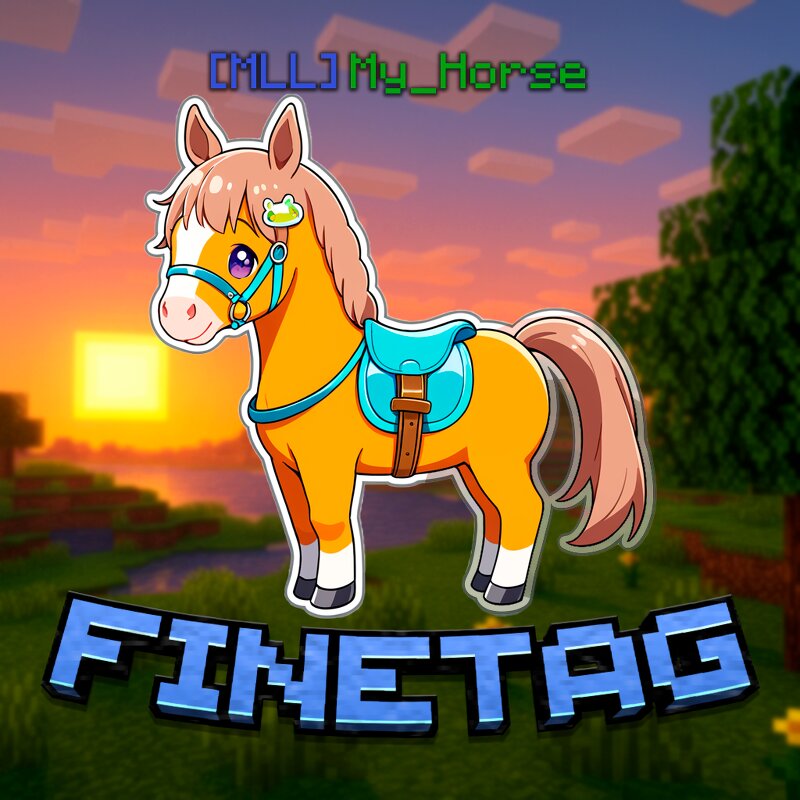
FineTag is a mod that allows you to give any animal a unique colored name visible to all players. No commands, no plugins — just beautiful names for your loyal companions! OptiFine is NOT supported. For proper mod functionality use Oculus and Embeddium. Horse-Focused Features Are you a passionate horse breeder? Do you maintain a stable with dozens of horses? FineTag was made for you! Available Colors Red , Blue , Black, Gray , Green , Gold , Yellow , White, Purple , Aqua . Text Styles Bold — make the name powerful and eye-catching. Italic — elegant, graceful style. Combining Colors Want a rainbow name? Use the word reset between parts of the name — each word will shine in its own color! Example: Gold reset Aqua reset Red How to Use Press F7 (or your custom keybind) to open the name editor menu Enter your desired name, choose color and style, then click "Create Tag" — it will appear in your inventory Apply the tag to an animal (Right Click) — the name will shine! Keybind Settings The default key to open the editor menu is F7. You can change it in game settings: Options → Controls → FineTag Open Editor. Server Permissions (LuckPerms) By default, only players with OP status can use th
Added value
What’s included on this page
Preview, categories, compatibility, and tools on this page — not a bare file mirror.
- Creator
- _WhiteFox_
- Source
- Minecraft downloads library on Eaglercraft Studio
- Type
- Minecraft mod
- Price
- Free download on Eaglercraft Studio
- Curation
- Listed with credit to _WhiteFox_ · studio preview & install guide
- Game Version
- Minecraft 1.20.1
- Compatible with
- Minecraft Java (match version / loader in facts)
- Tags
- Functional
Install guide
How to install this free Minecraft mod
Eaglercraft Studio listing with metadata, creator credit, and loader-aware install guidance.
- 1Download the jar/zip when available.
- 2Install the matching loader (Forge, Fabric, or NeoForge) for your Minecraft version.
- 3Drop the mod into your mods folder, then launch with that profile.
Wrong loader or game version usually crashes on startup — read the facts on this page first.
Related free mods
More curated mods from the same library section.

Pastelmooncrafting15 · 67 diamonds · 20 views

PotatoWolfie · 60 diamonds · 2 views

PotatoWolfie · 53 diamonds · 622 views

Janss_33PL · 47 diamonds · 940 views