
Five Nights at Freddy's: Executive Access | F:EA (Fnaf)
Creator: Jiarx · 2026-08-03 · Mods · Free on Eaglercraft Studio
Download Five Nights at Freddy's: Executive Access | F:EA (Fnaf) — free Minecraft mod. Created by Jiarx. Tagged new content. Check the file details for Forge, Fabric, or NeoForge before installing.
Creator notes
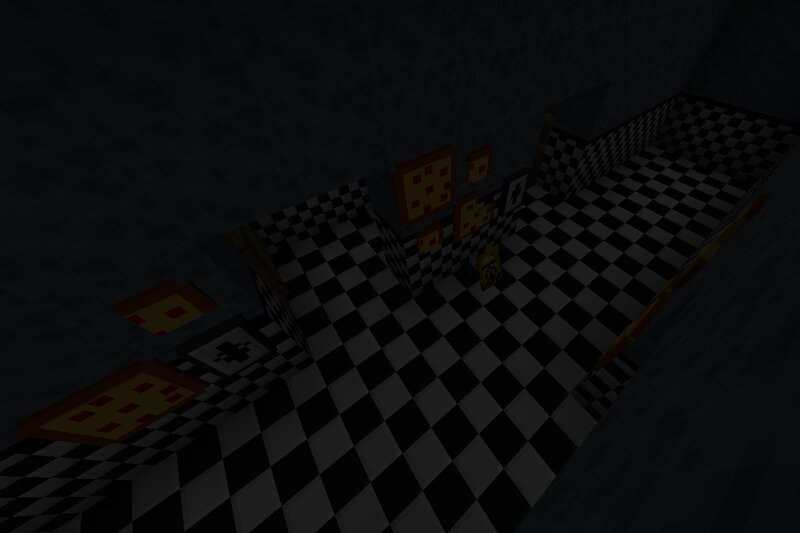
Make the Executive Choice and download _F:EA_ today! Beginning as a solo production on 2/6/25, F:EA is a Minecraft mod using the talent from independent artists to bring Five Nights at Freddy's to your very own worlds. F:EA contains a vast amount of content from not just the Five Nights at Freddy's Games, but also the Books, Movies, Merch, and even Concept Art. All additions made to F:EA are done with care and consideration from the **Concept Division** of the **Modding Team**. This ensures only the highest quality content will be added. Find a Pizzeria in the Minecraft Overworld. Abandoned Locations will appear as structures throughout your world. - These locations will contain important loot that will be required in your journey. Loot the Contents of the Pizzeria. Boxes and other storage blocks can be found across the Abandoned Pizzerias - Inside of the storage blocks, you can find Memorabilia left in the distant past as the horrors have been forgotten over generations. Create the Future of Freddy's! Create your own Pizzeria and bring it to life with your creations. - With everything you've obtained, you now have free reign to start your own custom Pizzeria and bring back the pas
Added value
What’s included on this page
Preview, categories, compatibility, and tools on this page — not a bare file mirror.
- Creator
- Jiarx
- Source
- Minecraft downloads library on Eaglercraft Studio
- Type
- Minecraft mod
- Price
- Free download on Eaglercraft Studio
- Curation
- Listed with credit to Jiarx · studio preview & install guide
- Game Version
- Minecraft 1.20.1
- Compatible with
- Minecraft Java (match version / loader in facts)
- Tags
- New Content
Install guide
How to install this free Minecraft mod
Eaglercraft Studio listing with metadata, creator credit, and loader-aware install guidance.
- 1Download the jar/zip when available.
- 2Install the matching loader (Forge, Fabric, or NeoForge) for your Minecraft version.
- 3Drop the mod into your mods folder, then launch with that profile.
Wrong loader or game version usually crashes on startup — read the facts on this page first.
Related free mods
More curated mods from the same library section.

Pastelmooncrafting15 · 67 diamonds · 20 views

PotatoWolfie · 60 diamonds · 2 views

PotatoWolfie · 53 diamonds · 622 views

Janss_33PL · 47 diamonds · 940 views