
Forward Lock
Creator: lyuwenhan · 2026-08-05 · Mods · Free on Eaglercraft Studio
Download Forward Lock — free Minecraft mod. Created by lyuwenhan. Tagged functional. Check the file details for Forge, Fabric, or NeoForge before installing.
Creator notes
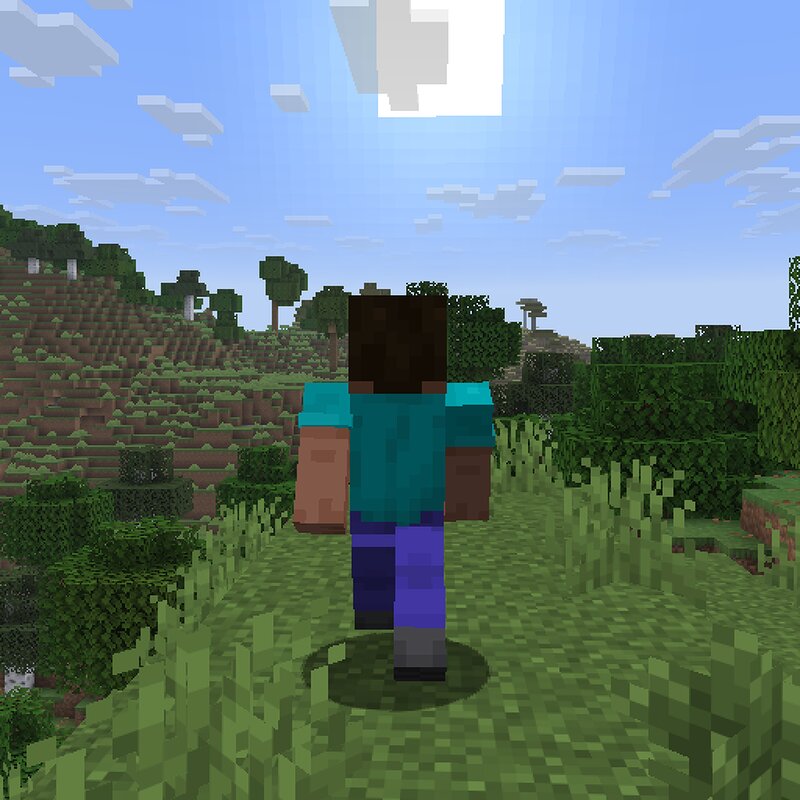
Languages EN/English | ZH-CN/简体中文 Forward Lock A client-side Fabric mod that locks forward movement and sprinting after quickly double-tapping the configured forward key. The lock remains active until you press the configured forward, backward, or crouch key. This mod runs entirely on the client and does not modify any server behavior. Features Double-tap the configured forward key while holding the sprint key to enable forward lock Press the configured forward, backward, or crouch key to disable the lock Works with normal movement, swimming, and vehicle controls Automatically maintains sprinting while the lock is active Respects the vanilla food requirement for sprinting Prevents collisions with walls from stopping sprinting while locked Usage Enable forward lock Quickly press the configured forward key twice, while holding the sprint key. After activation, the mod continuously supplies forward input without requiring the key to remain held. Disable forward lock Press any of the following configured controls: Forward Backward Crouch The mod follows the configured Minecraft key bindings. The controls do not need to remain bound to their default keys. Supported Versions Minecraft 26
Added value
What’s included on this page
Preview, categories, compatibility, and tools on this page — not a bare file mirror.
- Creator
- lyuwenhan
- Source
- Minecraft downloads library on Eaglercraft Studio
- Type
- Minecraft mod
- Price
- Free download on Eaglercraft Studio
- Curation
- Listed with credit to lyuwenhan · studio preview & install guide
- Game Version
- Minecraft 26.3 snapshot
- Compatible with
- Minecraft Java (match version / loader in facts)
- Tags
- Functional
Install guide
How to install this free Minecraft mod
Eaglercraft Studio listing with metadata, creator credit, and loader-aware install guidance.
- 1Download the jar/zip when available.
- 2Install the matching loader (Forge, Fabric, or NeoForge) for your Minecraft version.
- 3Drop the mod into your mods folder, then launch with that profile.
Wrong loader or game version usually crashes on startup — read the facts on this page first.
Related free mods
More curated mods from the same library section.

Pastelmooncrafting15 · 67 diamonds · 20 views

PotatoWolfie · 60 diamonds · 2 views

PotatoWolfie · 53 diamonds · 622 views

Janss_33PL · 47 diamonds · 940 views