
Glideplate
Creator: lyuwenhan · 2026-05-29 · Mods · Free on Eaglercraft Studio
Download Glideplate — free Minecraft mod. Created by lyuwenhan. Tagged functional, other, utility. Check the file details for Forge, Fabric, or NeoForge before installing.
Creator notes
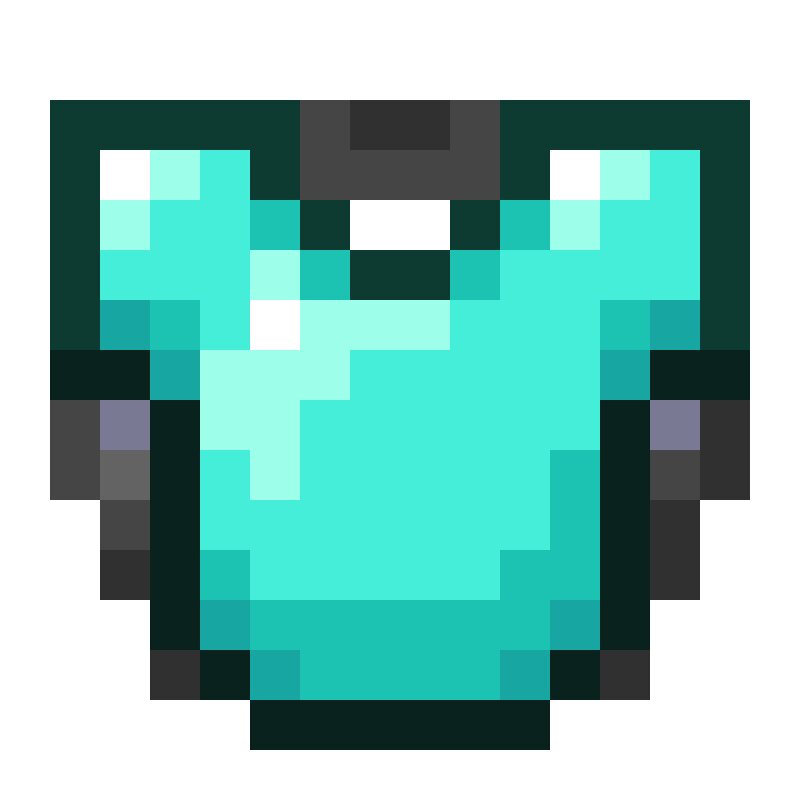
Languages EN/English | ZH-CN/简体中文 Glideplate A server-side and client-side Fabric mod that lets players combine a chestplate with an elytra, then gives the resulting item proper Glideplate visuals. Place a chestplate in the left anvil slot and an elytra in the right slot. The output keeps the chestplate as armor, adds gliding support, and carries item data that identifies it as a Glideplate. When installed on the client, Glideplate also improves the appearance of marked chestplates: the item model shows an elytra under the chestplate, and equipped Glideplates render with elytra wings. Features Supports leather, copper, chainmail, iron, golden, diamond and netherite chestplates Combines only in one direction: chestplate on the left, elytra on the right Keeps the chestplate's durability, enchantments, trims and other item data Ignores the elytra's durability, damage and enchantments Updates marked chestplate item models with an elytra-and-chestplate appearance Keeps normal chestplates rendering normally Shows elytra wings when a marked chestplate is equipped Adds localized item names and tooltip text with English fallback text Costs no XP and does not add anvil prior-work penalty Wor
Added value
What’s included on this page
Preview, categories, compatibility, and tools on this page — not a bare file mirror.
- Creator
- lyuwenhan
- Source
- Minecraft downloads library on Eaglercraft Studio
- Type
- Minecraft mod
- Price
- Free download on Eaglercraft Studio
- Curation
- Listed with credit to lyuwenhan · studio preview & install guide
- Game Version
- Minecraft 26.3 snapshot
- Compatible with
- Minecraft Java (match version / loader in facts)
- Tags
- Functional, Other, Utility
Install guide
How to install this free Minecraft mod
Eaglercraft Studio listing with metadata, creator credit, and loader-aware install guidance.
- 1Download the jar/zip when available.
- 2Install the matching loader (Forge, Fabric, or NeoForge) for your Minecraft version.
- 3Drop the mod into your mods folder, then launch with that profile.
Wrong loader or game version usually crashes on startup — read the facts on this page first.
Related free mods
More curated mods from the same library section.

Pastelmooncrafting15 · 67 diamonds · 20 views

PotatoWolfie · 60 diamonds · 2 views

PotatoWolfie · 53 diamonds · 622 views

Janss_33PL · 47 diamonds · 940 views