
Hostile Mob Better Configuration
Creator: Reggarf · 2026-03-08 · Mods · Free on Eaglercraft Studio
Download Hostile Mob Better Configuration — free Minecraft mod. Created by Reggarf. Tagged minecraftmod, mobconfig, mobsconfig, mod. Check the file details for Forge, Fabric, or NeoForge before installing.
Creator notes
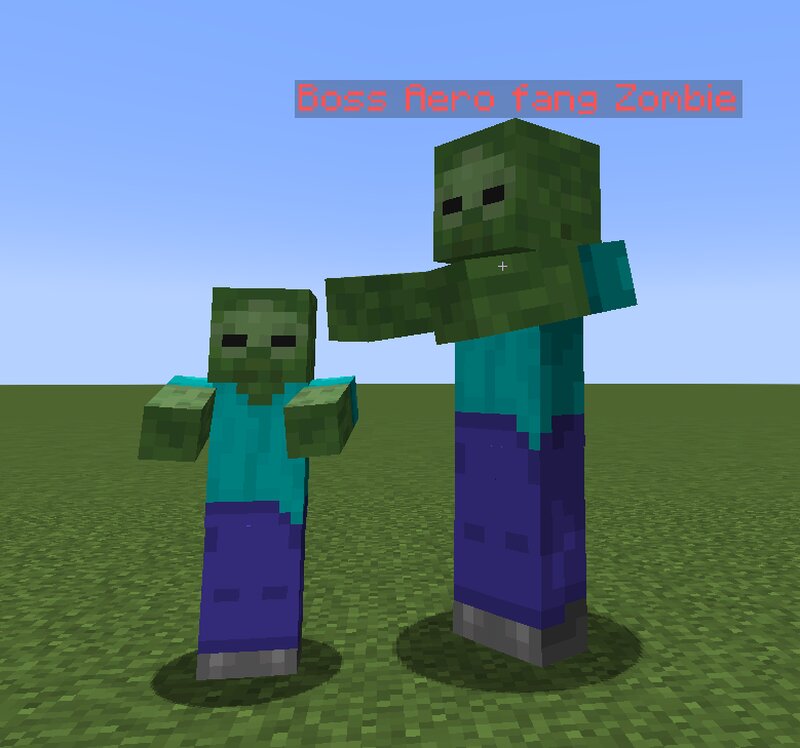
# Hostile Mob Better Configuration Hostile Mob Better Configuration is a highly advanced configuration mod that allows complete control over hostile mobs in Minecraft. It provides a detailed configuration system that lets you modify mob attributes, combat behavior, spawning mechanics, special abilities, and boss mechanics. Every supported mob can be individually customized using a clean and organized configuration interface. Players and modpack creators can rebalance the difficulty of the game, create powerful boss encounters, or completely redesign mob behavior. The configuration is divided into multiple categories including Overworld mobs, Nether mobs, End mobs, and major boss mobs. --- # Core Features This mod allows full customization of hostile mobs through a large set of configurable properties. General configuration features include: Custom mob names Health and armor adjustments Attack damage and knockback configuration Movement speed and follow range Spawn rate multipliers Reinforcement summoning chances Experience drop multipliers Loot drop multipliers Fire immunity options Glowing effects Door breaking behavior Custom combat mechanics Boss mode system Each mob can be tune
Added value
What’s included on this page
Preview, categories, compatibility, and tools on this page — not a bare file mirror.
- Creator
- Reggarf
- Source
- Minecraft downloads library on Eaglercraft Studio
- Type
- Minecraft mod
- Price
- Free download on Eaglercraft Studio
- Curation
- Listed with credit to Reggarf · studio preview & install guide
- Game Version
- Minecraft 1.21.1
- Compatible with
- Minecraft Java (match version / loader in facts)
- Tags
- Minecraftmod, Mobconfig, Mobsconfig, Mod, Mods, New Content
Install guide
How to install this free Minecraft mod
Eaglercraft Studio listing with metadata, creator credit, and loader-aware install guidance.
- 1Download the jar/zip when available.
- 2Install the matching loader (Forge, Fabric, or NeoForge) for your Minecraft version.
- 3Drop the mod into your mods folder, then launch with that profile.
Wrong loader or game version usually crashes on startup — read the facts on this page first.
Related free mods
More curated mods from the same library section.

Pastelmooncrafting15 · 67 diamonds · 20 views

PotatoWolfie · 60 diamonds · 2 views

PotatoWolfie · 53 diamonds · 622 views

Janss_33PL · 47 diamonds · 940 views