
Hot Potato
Creator: Mokey Crue · 2026-08-05 · Mods · Free on Eaglercraft Studio
Download Hot Potato — free Minecraft mod. Created by Mokey Crue. Tagged challenges, hotpotato, minecraft, minecraftjava. Check the file details for Forge, Fabric, or NeoForge before installing.
Creator notes
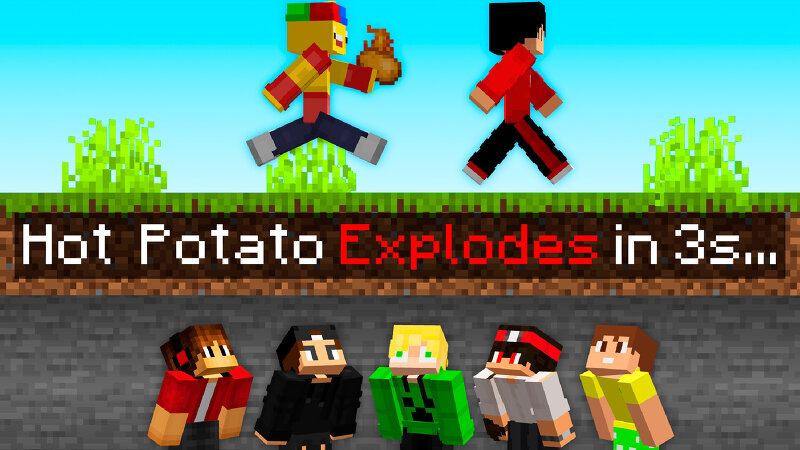
🥔 Hot Potato — Minecraft's Deadliest Party Game Imagine this: you're holding the Hot Potato, the timer's hitting zero, and the only way out is killing someone with it before it turns into fireworks — with you in the blast radius. Hot Potato is a mod for Minecraft 1.21.8 that turns any multiplayer server into a last-player-standing showdown: one player at a time holds the Hot Potato, and if time runs out before it's passed on, it explodes and eliminates whoever's holding it. ⚙️ How It Works Pre-game (10 minutes): when the match starts, all players are set to Adventure mode, the world border is centered on spawn at 1000 blocks wide (shrinking down to 50 blocks over 50 minutes to force encounters), and an on-screen countdown shows time until the first potato drops. Rounds: once the pre-game ends, the Hot Potato is handed to a random survivor. Round timers shrink as the game progresses: Rounds 1–2: 10 minutes Rounds 3–4: 6 minutes Round 5 onward: 3 minutes ("the potato's getting hotter") Passing the potato: the only way to get rid of it is to kill another player while holding it — a direct hit also sets the target on fire for 5 seconds. Landing the kill instantly passes the potato to t
Added value
What’s included on this page
Preview, categories, compatibility, and tools on this page — not a bare file mirror.
- Creator
- Mokey Crue
- Source
- Minecraft downloads library on Eaglercraft Studio
- Type
- Minecraft mod
- Price
- Free download on Eaglercraft Studio
- Curation
- Listed with credit to Mokey Crue · studio preview & install guide
- Game Version
- Minecraft 1.21.8
- Compatible with
- Minecraft Java (match version / loader in facts)
- Tags
- Challenges, Hotpotato, Minecraft, Minecraftjava, Minecraftmods, Minigames
Install guide
How to install this free Minecraft mod
Eaglercraft Studio listing with metadata, creator credit, and loader-aware install guidance.
- 1Download the jar/zip when available.
- 2Install the matching loader (Forge, Fabric, or NeoForge) for your Minecraft version.
- 3Drop the mod into your mods folder, then launch with that profile.
Wrong loader or game version usually crashes on startup — read the facts on this page first.
Related free mods
More curated mods from the same library section.

Pastelmooncrafting15 · 67 diamonds · 20 views

PotatoWolfie · 60 diamonds · 2 views

PotatoWolfie · 53 diamonds · 622 views

Janss_33PL · 47 diamonds · 940 views