
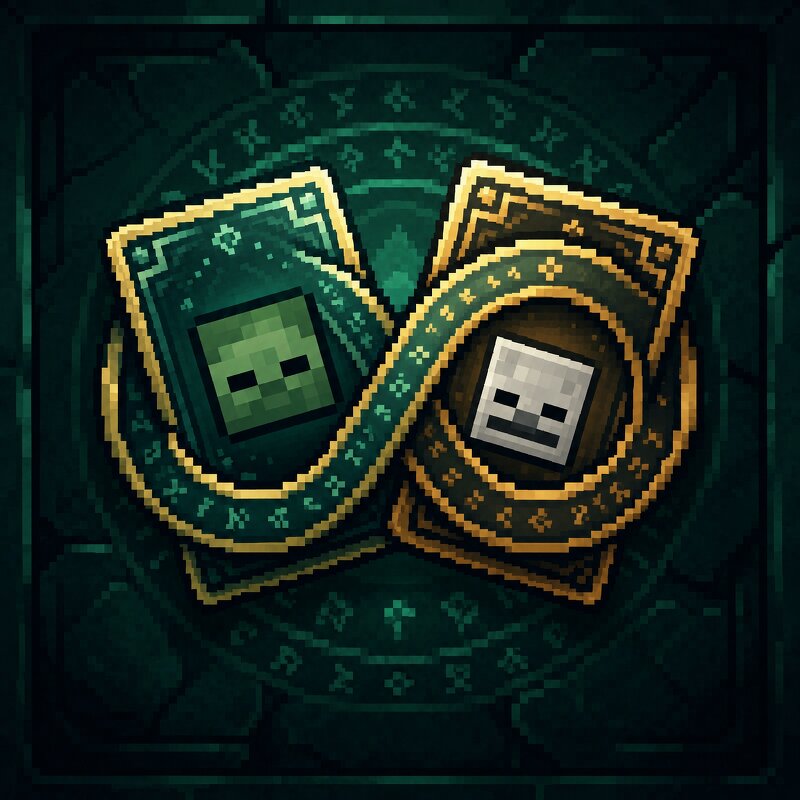
Infinite_Card
Creator: Sacchar1n_018 · 2026-07-11 · Mods · Free on Eaglercraft Studio
Download Infinite_Card — free Minecraft mod. Created by Sacchar1n_018. Tagged cards, minigames, other. Check the file details for Forge, Fabric, or NeoForge before installing.
Creator notes
Changelog Unreleased - 2026-07-25 Added Added the new card inspection experience with a cleaner translucent panel, 3D drag rotation, card zoom support, and sharper high-resolution card artwork for inspection. Added collectible card finishes. Iron, holographic gold, and diamond finish cards can now appear in the normal reward flow with low drop rates. Added a card pack reward flow. Completed runs can now grant an Adventure Card Pack that is stored in the warehouse, inspected, opened through a vanilla-style GUI, and resolved into collectible card choices. Added the card warehouse recycle bin. Players can now enter recycle mode, mark unwanted cards or packs, and destroy them intentionally after a second click. Added wax seal collection support. Players can choose where to place a seal during collection, and sealed metadata is stored on the item instead of requiring duplicate card registrations. Added pack-opening audio cues using vanilla Minecraft sounds, including distinct reveal feedback for special card finishes. Added debug-only entries and commands for checking card packs, special card finishes, wax seals, and sound cues without adding those debug resources to the normal gameplay
Added value
What’s included on this page
Preview, categories, compatibility, and tools on this page — not a bare file mirror.
- Creator
- Sacchar1n_018
- Source
- Minecraft downloads library on Eaglercraft Studio
- Type
- Minecraft mod
- Price
- Free download on Eaglercraft Studio
- Curation
- Listed with credit to Sacchar1n_018 · studio preview & install guide
- Game Version
- Minecraft 1.20.1
- Compatible with
- Minecraft Java (match version / loader in facts)
- Tags
- Cards, Minigames, Other
Install guide
How to install this free Minecraft mod
Eaglercraft Studio listing with metadata, creator credit, and loader-aware install guidance.
- 1Download the jar/zip when available.
- 2Install the matching loader (Forge, Fabric, or NeoForge) for your Minecraft version.
- 3Drop the mod into your mods folder, then launch with that profile.
Wrong loader or game version usually crashes on startup — read the facts on this page first.
Related free mods
More curated mods from the same library section.

Pastelmooncrafting15 · 67 diamonds · 20 views

PotatoWolfie · 60 diamonds · 2 views

PotatoWolfie · 53 diamonds · 622 views

Janss_33PL · 47 diamonds · 940 views