
Item Shuffle
Creator: Mokey Crue · 2026-08-26 · Mods · Free on Eaglercraft Studio
Download Item Shuffle — free Minecraft mod. Created by Mokey Crue. Tagged gameplay, itemshuffle, minecraft, minecraftmods. Check the file details for Forge, Fabric, or NeoForge before installing.
Creator notes
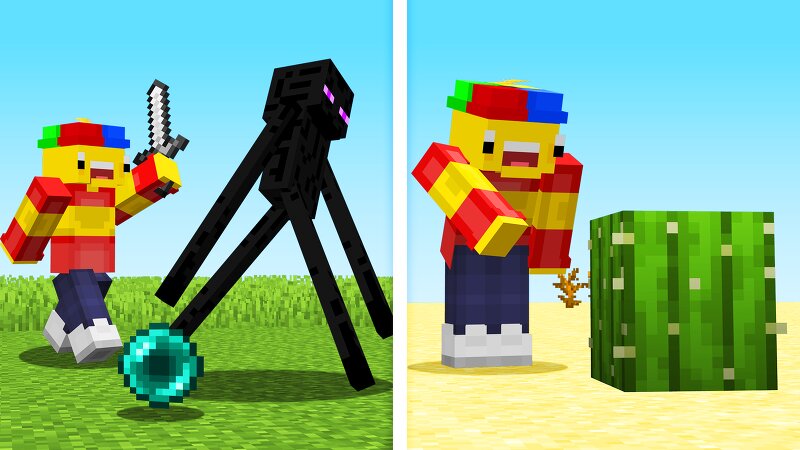
🎲 Item Shuffle — Everyone Racing the Clock, Alone Picture this: the server announces the round, and a second later your chat lights up with — "Your item: Totem of Undying" . The player next to you got assigned something completely different. Everyone hunts their own personal target, tracked by their own boss bar counting down the seconds. Item Shuffle is a mod for Minecraft 1.21.1 , built on the Forge (javafml) API, adding an individual, simultaneous item-hunting mechanic: when a round starts, every online player is assigned a different random item , drawn from the chosen difficulty pool. Whoever has the right item in their inventory before the 5-minute timer runs out scores a point and is safe. Whoever doesn't... dies. ⚙️ How It Works Running /start individually rolls a random item for every connected player, drawn from the selected difficulty pool. Each player gets their own boss bar (red bar at the top of the screen) showing the required item's name and the remaining time in MM:SS format. The timer is fixed at 5:00 (6000 ticks) , regardless of difficulty. The moment the required item appears in a player's inventory, their bar turns green , displays "ITEM FOUND!", and the player
Added value
What’s included on this page
Preview, categories, compatibility, and tools on this page — not a bare file mirror.
- Creator
- Mokey Crue
- Source
- Minecraft downloads library on Eaglercraft Studio
- Type
- Minecraft mod
- Price
- Free download on Eaglercraft Studio
- Curation
- Listed with credit to Mokey Crue · studio preview & install guide
- Game Version
- Minecraft 1.21.1
- Compatible with
- Minecraft Java (match version / loader in facts)
- Tags
- Gameplay, Itemshuffle, Minecraft, Minecraftmods, Minigames, Multiplayer
Install guide
How to install this free Minecraft mod
Eaglercraft Studio listing with metadata, creator credit, and loader-aware install guidance.
- 1Download the jar/zip when available.
- 2Install the matching loader (Forge, Fabric, or NeoForge) for your Minecraft version.
- 3Drop the mod into your mods folder, then launch with that profile.
Wrong loader or game version usually crashes on startup — read the facts on this page first.
Related free mods
More curated mods from the same library section.

Pastelmooncrafting15 · 67 diamonds · 20 views

PotatoWolfie · 60 diamonds · 2 views

PotatoWolfie · 53 diamonds · 622 views

Janss_33PL · 47 diamonds · 940 views