
Jewels & Magic (RPG Buff System) | Vanilla+ Bedrock
Creator: Xambie · 2026-06-25 · Mods · Free on Eaglercraft Studio
Download Jewels & Magic (RPG Buff System) | Vanilla+ Bedrock — free Minecraft mod. Created by Xambie. Tagged accessories, addon, bedrock, building. Check the file details for Forge, Fabric, or NeoForge before installing.
Creator notes
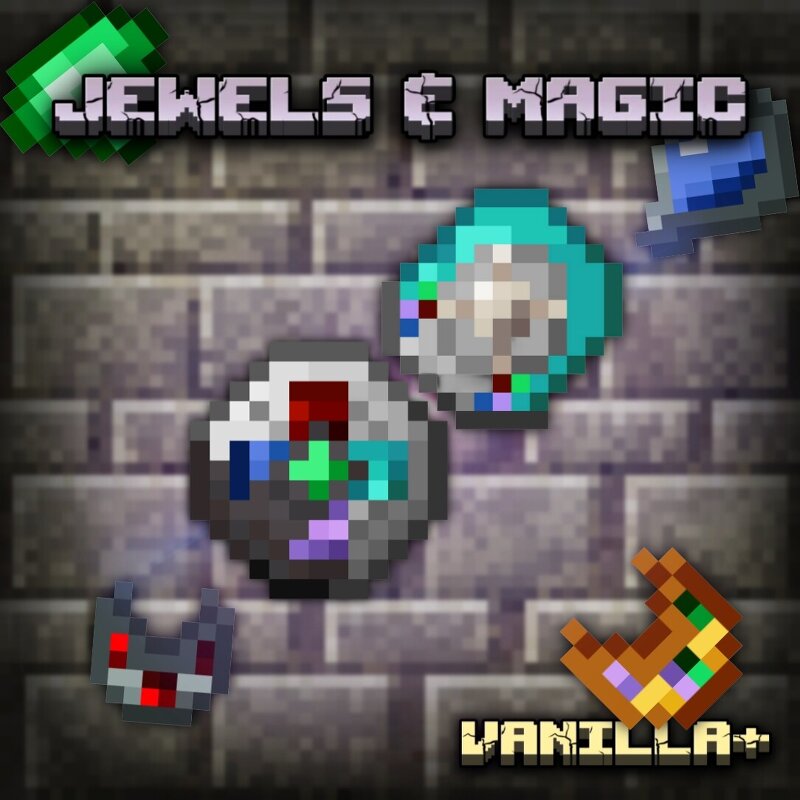
Jewels & Magic – The BIG 2.0 Update is LIVE! 🔥Tired of the same old endgame gear ? Jewels & Magic introduces a fully balanced RPG progression system with risk and reward to your Vanilla+ Bedrock world! Craft powerful jewelry, upgrade your buffs from early to late game , and strategically manage your cooldowns to survive the toughest battles. 🔮 The 6 Magical Gems and CrystalsTransform your raw materials into powerful buffs with the Stonecutter : ❤️ Diamond: Grants Resistance ⚔️ Redstone: Grants Strength 🦘 Lapis Lazuli: Grants Jump Boost ⛏️ Emerald: Grants Haste 👁️ Amethyst: Grants Darkness (Updated!) 🪶 Quartz: Grants “Featherfall” (NEW!)🧭 ---Three-Phase Progression System 🔹 Phase 1: Craft simple bracelets using 3 iron ingots and the jewel of your choice. This grants you a reliable Level 1 active effect to start your journey. 🔸 Phase 2: Ready for an upgrade? Invest more resources! Phase 2 now features a more challenging crafting recipe but unlocks a significantly enhanced version of the buffs. 👑 Phase 3 (NEW!) : The ultimate in customization. Combine different gems into a single bracelet ! Grants the Level 1 effects of the combined gems for 30 seconds with a 60-second cooldown . 💥 Ta
Added value
What’s included on this page
Preview, categories, compatibility, and tools on this page — not a bare file mirror.
- Creator
- Xambie
- Source
- Minecraft downloads library on Eaglercraft Studio
- Type
- Minecraft mod
- Price
- Free download on Eaglercraft Studio
- Curation
- Listed with credit to Xambie · studio preview & install guide
- Game Version
- Minecraft 26.2
- Compatible with
- Minecraft Java (match version / loader in facts)
- Tags
- Accessories, Addon, Bedrock, Building, Combat, Crafting
Install guide
How to install this free Minecraft mod
Eaglercraft Studio listing with metadata, creator credit, and loader-aware install guidance.
- 1Download the jar/zip when available.
- 2Install the matching loader (Forge, Fabric, or NeoForge) for your Minecraft version.
- 3Drop the mod into your mods folder, then launch with that profile.
Wrong loader or game version usually crashes on startup — read the facts on this page first.
Related free mods
More curated mods from the same library section.

Pastelmooncrafting15 · 67 diamonds · 20 views

PotatoWolfie · 60 diamonds · 2 views

PotatoWolfie · 53 diamonds · 622 views

Janss_33PL · 47 diamonds · 940 views