
Loot Strike
Creator: Tjopix · 2026-09-30 · Mods · Free on Eaglercraft Studio
Download Loot Strike — free Minecraft mod. Created by Tjopix. Tagged forge, gamble, java, lootbox. Check the file details for Forge, Fabric, or NeoForge before installing.
Creator notes
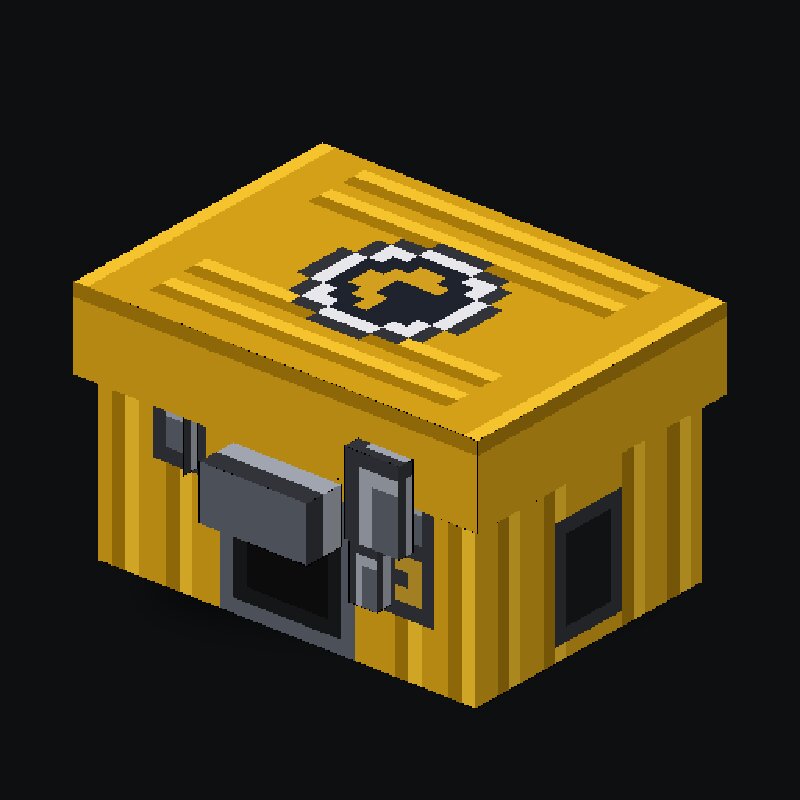
LootStrike Experience the thrilling CS:GO / CS2 case-unboxing sensation right inside Minecraft! Featuring a custom 3D crate model, smooth horizontal roulette animation, authentic sound effects, 4 tiers of keys with custom luck multipliers, comprehensive survival drops, and a powerful in-game admin editor. ✨ Key Features Authentic CS:GO Unboxing Roulette Animated roulette strip that decelerates to a suspenseful halt. Faithful sound design (item tick clicks, unlocking latch sound, and celebratory win fanfares). Server-wide announcement in chat whenever a player unboxes a Covert (Red) or ★ Special (Gold) item! Disconnect Protection: If a player crashes or logs off while spinning, the won reward is safely added to their inventory upon login. Interactive Block & Item Right-Click in air: Opens the Case Preview screen showing all potential drops categorized by rarity tier. Sneak (Shift) + Right-Click: Places the case as a detailed 3D block in the world. Right-clicking the placed block opens the unboxing screen directly. Breaking the block retains its custom case ID. 4 Key Tiers (Luck Multipliers): Use higher-tier keys to significantly boost your odds of pulling rare items! 5 Distinct Rari
Added value
What’s included on this page
Preview, categories, compatibility, and tools on this page — not a bare file mirror.
- Creator
- Tjopix
- Source
- Minecraft downloads library on Eaglercraft Studio
- Type
- Minecraft mod
- Price
- Free download on Eaglercraft Studio
- Curation
- Listed with credit to Tjopix · studio preview & install guide
- Game Version
- Minecraft 1.20.1
- Compatible with
- Minecraft Java (match version / loader in facts)
- Tags
- Forge, Gamble, Java, Lootbox, Mod, Other
Install guide
How to install this free Minecraft mod
Eaglercraft Studio listing with metadata, creator credit, and loader-aware install guidance.
- 1Download the jar/zip when available.
- 2Install the matching loader (Forge, Fabric, or NeoForge) for your Minecraft version.
- 3Drop the mod into your mods folder, then launch with that profile.
Wrong loader or game version usually crashes on startup — read the facts on this page first.
Related free mods
More curated mods from the same library section.

Pastelmooncrafting15 · 67 diamonds · 20 views

PotatoWolfie · 60 diamonds · 2 views

PotatoWolfie · 53 diamonds · 622 views

Janss_33PL · 47 diamonds · 940 views