
MagmaticCraft | Vanilla+ Bedrock
Creator: Xambie · 2026-09-11 · Mods · Free on Eaglercraft Studio
Download MagmaticCraft | Vanilla+ Bedrock — free Minecraft mod. Created by Xambie. Tagged bedrock, building, magmatic, other. Check the file details for Forge, Fabric, or NeoForge before installing.
Creator notes
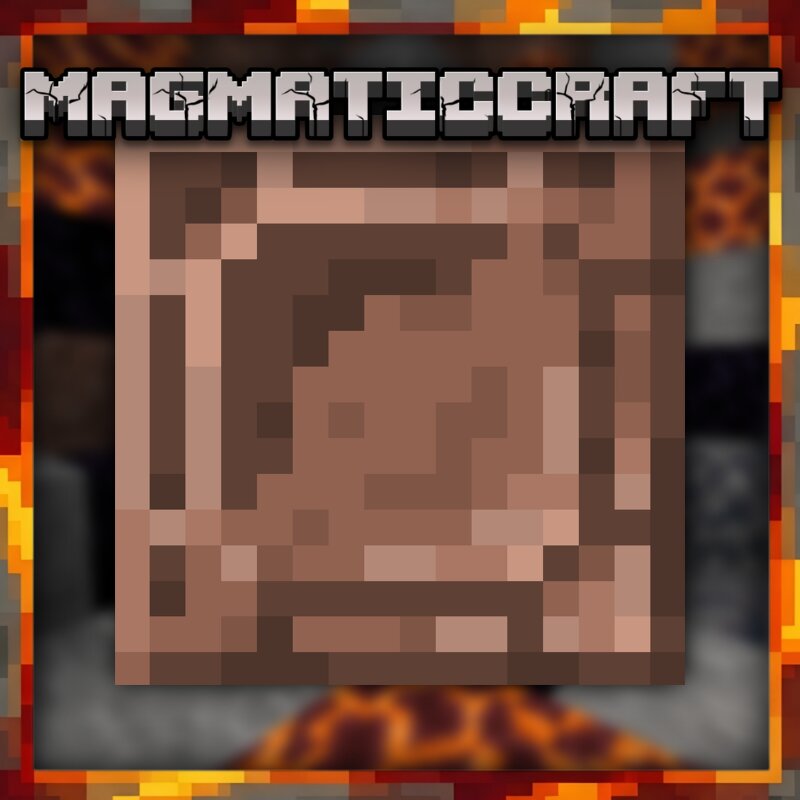
Tired of running out of building blocks or wishing your stone structures had more architectural depth ? MagmaticCraft expands your stone-building palette by introducing brand-new variants, polished walls , and an entirely new underground rock type to give you total creative freedom —all while fitting seamlessly into the vanilla Minecraft style . Whether you’re designing an intricate medieval castle, a modern underground base, or gathering rare materials deep underground: This addon gives your world the structural variety it has always needed! 🖌️ Customize your building experience by mixing and matching classic stone textures with unique thematic variants for Andesite, Granite, Diorite, and the brand-new Gabbro stone. 🖼️ Clear Vision, Better Building: Put an end to repetitive stone patterns and unlock the ultimate toolkit for builders and explorers: ✨ Brand-New Gabbro Rock : Discover a completely new underground stone! Gabbro spawns between Y-levels 1 and 16 in veins similar to standard magmatic rocks, complete with its own unique theme and full set of variants. 🧱 Polished Walls & Brick Variants : Elevate your walls with polished variants for Andesite, Granite, and Diorite. Plus, en
Added value
What’s included on this page
Preview, categories, compatibility, and tools on this page — not a bare file mirror.
- Creator
- Xambie
- Source
- Minecraft downloads library on Eaglercraft Studio
- Type
- Minecraft mod
- Price
- Free download on Eaglercraft Studio
- Curation
- Listed with credit to Xambie · studio preview & install guide
- Game Version
- Minecraft 26.2
- Compatible with
- Minecraft Java (match version / loader in facts)
- Tags
- Bedrock, Building, Magmatic, Other, Vanilla
Install guide
How to install this free Minecraft mod
Eaglercraft Studio listing with metadata, creator credit, and loader-aware install guidance.
- 1Download the jar/zip when available.
- 2Install the matching loader (Forge, Fabric, or NeoForge) for your Minecraft version.
- 3Drop the mod into your mods folder, then launch with that profile.
Wrong loader or game version usually crashes on startup — read the facts on this page first.
Related free mods
More curated mods from the same library section.

Pastelmooncrafting15 · 67 diamonds · 20 views

PotatoWolfie · 60 diamonds · 2 views

PotatoWolfie · 53 diamonds · 622 views

Janss_33PL · 47 diamonds · 940 views