
Minecraft But, There Are CUSTOM FLUIDS!
Creator: RagedVenomYT · 2026-05-04 · Mods · Free on Eaglercraft Studio
Download Minecraft But, There Are CUSTOM FLUIDS! — free Minecraft mod. Created by RagedVenomYT. Tagged minecraft, mod, new content. Check the file details for Forge, Fabric, or NeoForge before installing.
Creator notes
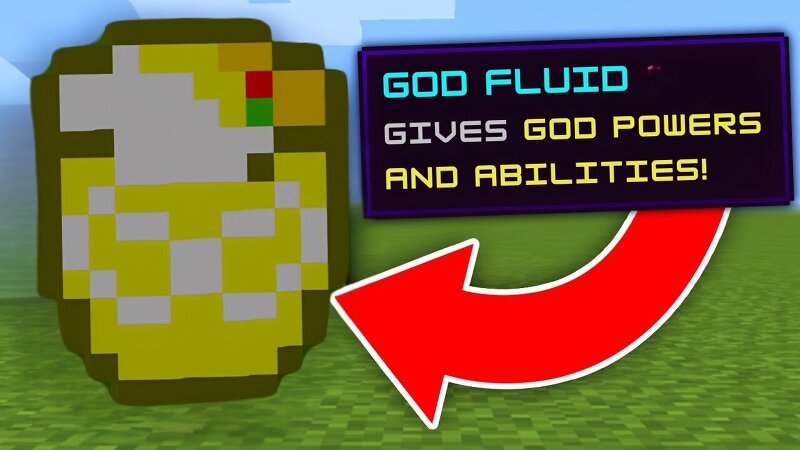
🔥Minecraft BUT There are Custom Fluids! This is a Fabric Mod, only works on minecraft version 1.21.8(Java). 👀Video: I Created the MOST Broken Custom FLUIDS in Minecraft! How to get the Custom Fluids: 1. Craft the Custom Trading Block . P = Polished Deepslate, I = Iron Ingot, D = Diamond, B = Brewing Stand Recipe: I D I P B P P P P. (Watch the video if you didn't understand) 2. Place the Custom Trading Block near a Villager for Custom Fluid Trader. 3. Obtain all the Custom Fluids(7 out of 8) from the Custom Fluid Trader and combine all the Custom Fluids with a Water bucket and a Lava Bucket in the crafting table(Recipe in the image given above) for the Final Custom Fluid >:D. How to Install/Play the Mod: 1. Download Fabric Installer and Install Fabric version 1.21.8. 2. Download the Mod and Fabric API of version 1.21.8. 3. Go to %appdata%/.minecraft/mods and Place both the files in the destination. 4. Launch Minecraft and Enjoy :D. If you like this mod leave a Diamond here and Subscribe to me on YouTube for more Mods :D. If you do use the mod in a video, Please make sure to give me a shoutout and paste the link in the description :). 👍Enjoy the mod, and thank you for playing!
Added value
What’s included on this page
Preview, categories, compatibility, and tools on this page — not a bare file mirror.
- Creator
- RagedVenomYT
- Source
- Minecraft downloads library on Eaglercraft Studio
- Type
- Minecraft mod
- Price
- Free download on Eaglercraft Studio
- Curation
- Listed with credit to RagedVenomYT · studio preview & install guide
- Game Version
- Minecraft 1.21.8
- Compatible with
- Minecraft Java (match version / loader in facts)
- Tags
- Minecraft, Mod, New Content
Install guide
How to install this free Minecraft mod
Eaglercraft Studio listing with metadata, creator credit, and loader-aware install guidance.
- 1Download the jar/zip when available.
- 2Install the matching loader (Forge, Fabric, or NeoForge) for your Minecraft version.
- 3Drop the mod into your mods folder, then launch with that profile.
Wrong loader or game version usually crashes on startup — read the facts on this page first.
Related free mods
More curated mods from the same library section.

Pastelmooncrafting15 · 67 diamonds · 20 views

PotatoWolfie · 60 diamonds · 2 views

PotatoWolfie · 53 diamonds · 622 views

Janss_33PL · 47 diamonds · 940 views