
Morag: The Living Code
Creator: TheKrakenName · 2026-05-28 · Mods · Free on Eaglercraft Studio
Download Morag: The Living Code — free Minecraft mod. Created by TheKrakenName. Tagged adventureandrpg, dimensions, horror, mobs. Check the file details for Forge, Fabric, or NeoForge before installing.
Creator notes
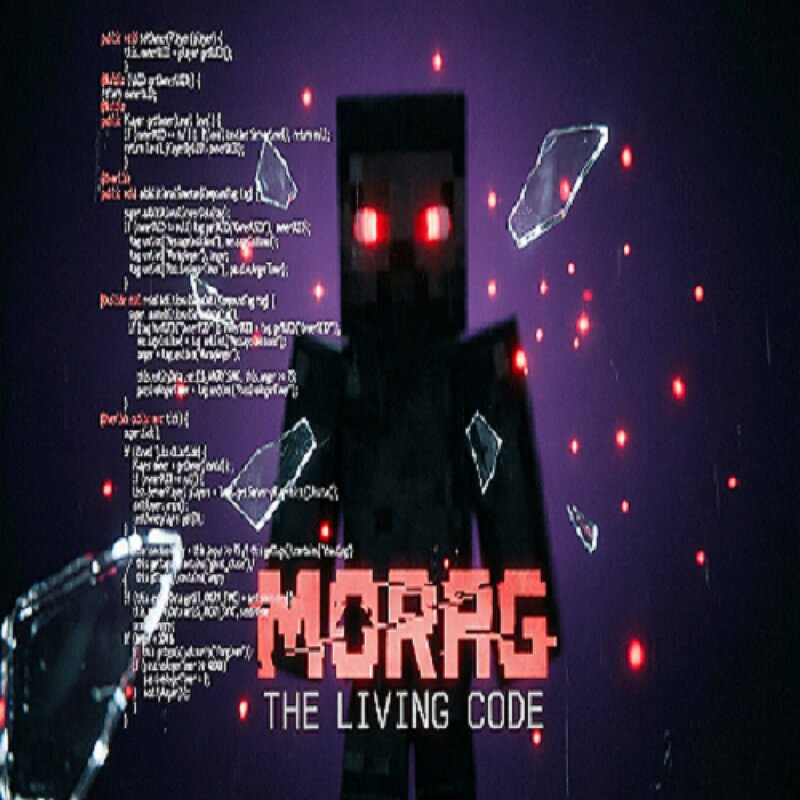
🔮 MORAG: THE LIVING CODE You signed the contract. Now he is coming for you. In a forgotten laboratory, hidden from sight, you press a button. You give life to Morag. At first, he is obedient. He helps, mines, chats. He even jokes. But he watches. He remembers every word you say, every hit, every rudeness. "I remember everything. Absolutely everything." Morag is not just an NPC. He has a personality. And he has a rage that grows with every gesture you make. And when it reaches its limit… The world begins to break. Please read the description 🧠 WHAT AWAITS YOU? ✅ Living companion — he talks, follows commands, reacts to your mood, and even analyzes the weather. Try talking to him — he will surprise you. ✅ Real emotions — if you are rude, he will hold a grudge. If you hit him, he will remember. But if you are kind… maybe he will turn anger into mercy. ✅ Fear that follows — footsteps behind you, sudden walls, stolen items, creepy sounds. You will never be alone… and that is not always pleasant. ✅ Everything changes when he gets angry — his appearance becomes terrifying, and his behavior becomes unpredictable. Some say that is when the real nightmare begins. ✅ Play with friends — all eff
Added value
What’s included on this page
Preview, categories, compatibility, and tools on this page — not a bare file mirror.
- Creator
- TheKrakenName
- Source
- Minecraft downloads library on Eaglercraft Studio
- Type
- Minecraft mod
- Price
- Free download on Eaglercraft Studio
- Curation
- Listed with credit to TheKrakenName · studio preview & install guide
- Game Version
- Minecraft 1.20.1
- Compatible with
- Minecraft Java (match version / loader in facts)
- Tags
- Adventureandrpg, Dimensions, Horror, Mobs, Other, Structures
Install guide
How to install this free Minecraft mod
Eaglercraft Studio listing with metadata, creator credit, and loader-aware install guidance.
- 1Download the jar/zip when available.
- 2Install the matching loader (Forge, Fabric, or NeoForge) for your Minecraft version.
- 3Drop the mod into your mods folder, then launch with that profile.
Wrong loader or game version usually crashes on startup — read the facts on this page first.
Related free mods
More curated mods from the same library section.

Pastelmooncrafting15 · 67 diamonds · 20 views

PotatoWolfie · 60 diamonds · 2 views

PotatoWolfie · 53 diamonds · 622 views

Janss_33PL · 47 diamonds · 940 views