
More food & tools 1.21.4
Creator: KorinMC · 2026-06-16 · Mods · Free on Eaglercraft Studio
Download More food & tools 1.21.4 — free Minecraft mod. Created by KorinMC. Tagged food, instruments, new content, nutrition. Check the file details for Forge, Fabric, or NeoForge before installing.
Creator notes
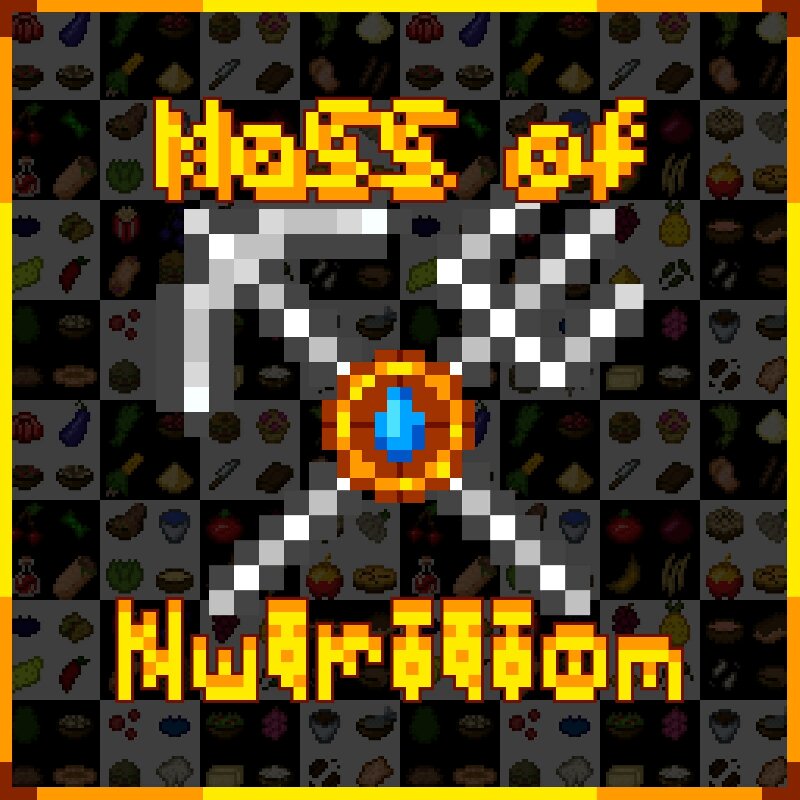
More food & tools adds over 310 new tools, foods, blocks, trades and ingredients to Minecraft. This mod expands survival gameplay by introducing new crafting options using different materials, like tools and multitools, as well as various food items such as sushi and other custom recipes. Content includes: New tools made from different materials; New foods and ingredients; New naturally generating plants; New villager trades; New advancements; Simple crafting , and in some functional blocks recipes; A lightweight gameplay expansion without complex mechanics; Functional blocks; The mod is designed to enhance survival gameplay and expand cooking options. It can be used in survival worlds or modpacks to add more content variety. All content is created using MCreator 2026.1, texture maker: Iv411229 (pmc) This version is for NeoForge 1.21.4 This isn`t an addon for Farmer’s Delight — it`s not recommended to use both mods at the same time. Also, you can leave your ideas in the comments!
Added value
What’s included on this page
Preview, categories, compatibility, and tools on this page — not a bare file mirror.
- Creator
- KorinMC
- Source
- Minecraft downloads library on Eaglercraft Studio
- Type
- Minecraft mod
- Price
- Free download on Eaglercraft Studio
- Curation
- Listed with credit to KorinMC · studio preview & install guide
- Game Version
- Minecraft 1.21.4
- Compatible with
- Minecraft Java (match version / loader in facts)
- Tags
- Food, Instruments, New Content, Nutrition, Tools
Install guide
How to install this free Minecraft mod
Eaglercraft Studio listing with metadata, creator credit, and loader-aware install guidance.
- 1Download the jar/zip when available.
- 2Install the matching loader (Forge, Fabric, or NeoForge) for your Minecraft version.
- 3Drop the mod into your mods folder, then launch with that profile.
Wrong loader or game version usually crashes on startup — read the facts on this page first.
Related free mods
More curated mods from the same library section.

Pastelmooncrafting15 · 67 diamonds · 20 views

PotatoWolfie · 60 diamonds · 2 views

PotatoWolfie · 53 diamonds · 622 views

Janss_33PL · 47 diamonds · 940 views