
MVSI - Moog's Voyager Structures Integrated
Creator: FinnDog_123 · 2026-09-28 · Mods · Free on Eaglercraft Studio
Download MVSI - Moog's Voyager Structures Integrated — free Minecraft mod. Created by FinnDog_123. Tagged compatibility, decoration, fabric, forge. Check the file details for Forge, Fabric, or NeoForge before installing.
Creator notes
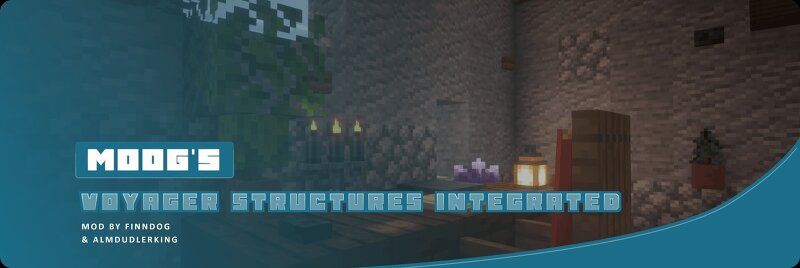
86+ integrated structure variants using blocks from Supplementaries and Amendments. A companion addon to Moog's Voyager Structures. This mod works on Fabric, Forge and NeoForge. MVSI is an addon for Moog's Voyager Structures that replaces its vanilla-block structures with versions that incorporate blocks from Supplementaries and Amendments . If any of the integrated mods are installed, the integrated variants load automatically in place of the standard ones. No configuration needed. Vision The goal of MVSI is to integrate as many mods as possible into Moog's Voyager Structures. For each supported mod, we take the base MVS structures and revamp them using that mod's blocks and entities. When a structure spawns in your world, MVSI uses template pools to randomly choose between the available integrated variants based on which mods you have installed, so the more mods you run, the more variety you get. Currently only Supplementaries and Amendments are supported. In the future we plan to expand support to many more mods, and no single mod is required. MVSI will simply enhance structures with whatever compatible mods are present. Want to help integrate your favourite mod? Reach out on Di
Added value
What’s included on this page
Preview, categories, compatibility, and tools on this page — not a bare file mirror.
- Creator
- FinnDog_123
- Source
- Minecraft downloads library on Eaglercraft Studio
- Type
- Minecraft mod
- Price
- Free download on Eaglercraft Studio
- Curation
- Listed with credit to FinnDog_123 · studio preview & install guide
- Game Version
- Minecraft 1.21.1
- Compatible with
- Minecraft Java (match version / loader in facts)
- Tags
- Compatibility, Decoration, Fabric, Forge, Neoforge, New Content
Install guide
How to install this free Minecraft mod
Eaglercraft Studio listing with metadata, creator credit, and loader-aware install guidance.
- 1Download the jar/zip when available.
- 2Install the matching loader (Forge, Fabric, or NeoForge) for your Minecraft version.
- 3Drop the mod into your mods folder, then launch with that profile.
Wrong loader or game version usually crashes on startup — read the facts on this page first.
Related free mods
More curated mods from the same library section.

Pastelmooncrafting15 · 67 diamonds · 20 views

PotatoWolfie · 60 diamonds · 2 views

PotatoWolfie · 53 diamonds · 622 views

Janss_33PL · 47 diamonds · 940 views