
News - New building items
Creator: De Iz Du · 2026-08-11 · Mods · Free on Eaglercraft Studio
Download News - New building items — free Minecraft mod. Created by De Iz Du. Tagged other. Check the file details for Forge, Fabric, or NeoForge before installing.
Creator notes
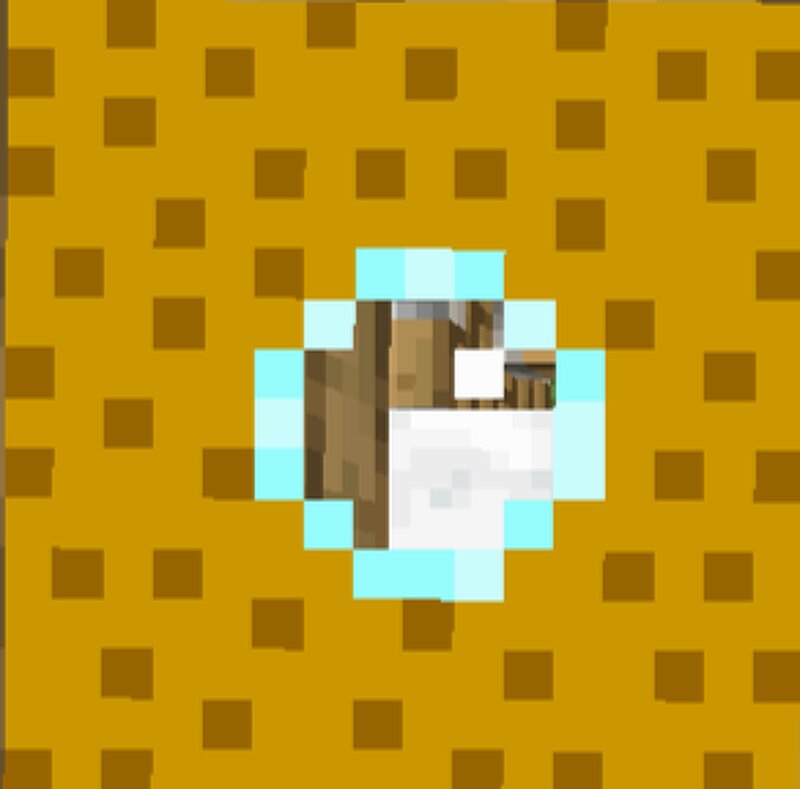
All Items & Blocks All items are available in the NEWS Creative Tab . Russian language support is included. Wood & Doors New Oak DoorBlockOak trapdoor with a circular glass window in the center.Oak BricksBlockMade from oak planks, but with a brick-style texture.Oak BrickItemCrafting ingredient for Oak Bricks block. Glass & Wool Dark Red Glass PaneBlockThin dark red glass pane. (Pane version)Dark Red Glass BlockBlockFull dark red glass block. Not a pane — this is a solid block.Dark Red WoolBlockNew wool color: dark red wool block. Bluestone Bluestone DustItemDecorative item only. Not a redstone analogue — does not conduct power.Bluestone BlockBlockSolid decorative block made from Bluestone Dust. Not a lapis lazuli block — it is its own unique block. Does not drop any dust. Bluestone OreBlockA completely new stone block type with its own unique texture. Not a reskin of stone with lapis ore. Does NOT drop Bluestone Dust — purely decorative. ⚠️ Note: None of the Bluestone items/blocks drop dust. They are all decorative only. Storage & Security Safe DoorBlockA normal, fully functional door that really opens and closes like any other door. It has text painted on it: "PLZ! not open the do
Added value
What’s included on this page
Preview, categories, compatibility, and tools on this page — not a bare file mirror.
- Creator
- De Iz Du
- Source
- Minecraft downloads library on Eaglercraft Studio
- Type
- Minecraft mod
- Price
- Free download on Eaglercraft Studio
- Curation
- Listed with credit to De Iz Du · studio preview & install guide
- Game Version
- Minecraft 1.20.1
- Compatible with
- Minecraft Java (match version / loader in facts)
- Tags
- Other
Install guide
How to install this free Minecraft mod
Eaglercraft Studio listing with metadata, creator credit, and loader-aware install guidance.
- 1Download the jar/zip when available.
- 2Install the matching loader (Forge, Fabric, or NeoForge) for your Minecraft version.
- 3Drop the mod into your mods folder, then launch with that profile.
Wrong loader or game version usually crashes on startup — read the facts on this page first.
Related free mods
More curated mods from the same library section.

Pastelmooncrafting15 · 67 diamonds · 20 views

PotatoWolfie · 60 diamonds · 2 views

PotatoWolfie · 53 diamonds · 622 views

Janss_33PL · 47 diamonds · 940 views