
No more slime on flat world
Creator: pijonna · 2026-06-05 · Mods · Free on Eaglercraft Studio
Download No more slime on flat world — free Minecraft mod. Created by pijonna. Tagged 26x, comment, delete, deleteslime. Check the file details for Forge, Fabric, or NeoForge before installing.
Creator notes
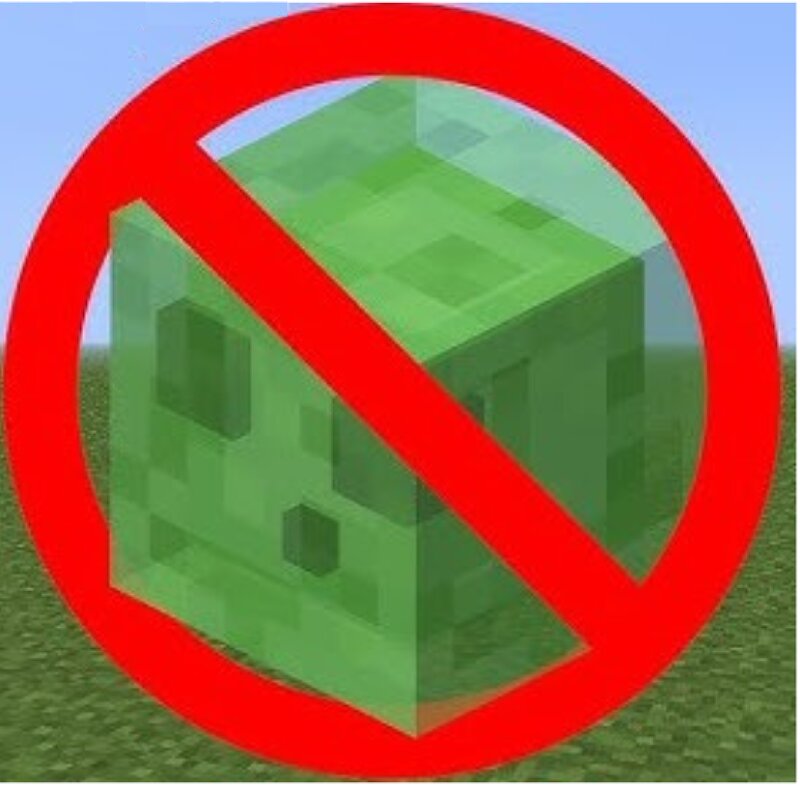
No Slimes on flat world Tired of slime mobs constantly spawning in your Superflat world? No Slimes on Superflat disables natural slime spawning in flat worlds by default, making your building and survival experience much more peaceful. Features: Prevents slimes from spawning naturally in Superflat worlds. Lightweight and server-friendly. Toggle slime spawning at any time using a gamerule. Works without requiring world regeneration. Gamerule spawning control Control slime spawning with: /gamerule slimspawning true Enables slime spawning in Superflat worlds. /gamerule slimspawning false Disables slime spawning in Superflat worlds. Default Behavior slime spawning = false Slimes will not spawn naturally in flat worlds unless the gamerule is enabled. Perfect for builders, creative projects, skyblock-style maps, and anyone who wants a cleaner Superflat experience without endless slime invasions. here's a tutorial for how to use the mod: https://www.youtube.com/watch?v=vfus9ItI80g
Added value
What’s included on this page
Preview, categories, compatibility, and tools on this page — not a bare file mirror.
- Creator
- pijonna
- Source
- Minecraft downloads library on Eaglercraft Studio
- Type
- Minecraft mod
- Price
- Free download on Eaglercraft Studio
- Curation
- Listed with credit to pijonna · studio preview & install guide
- Game Version
- Minecraft 26.1.2
- Compatible with
- Minecraft Java (match version / loader in facts)
- Tags
- 26x, Comment, Delete, Deleteslime, Disable, Disableslime
Install guide
How to install this free Minecraft mod
Eaglercraft Studio listing with metadata, creator credit, and loader-aware install guidance.
- 1Download the jar/zip when available.
- 2Install the matching loader (Forge, Fabric, or NeoForge) for your Minecraft version.
- 3Drop the mod into your mods folder, then launch with that profile.
Wrong loader or game version usually crashes on startup — read the facts on this page first.
Related free mods
More curated mods from the same library section.

Pastelmooncrafting15 · 67 diamonds · 20 views

PotatoWolfie · 60 diamonds · 2 views

PotatoWolfie · 53 diamonds · 622 views

Janss_33PL · 47 diamonds · 940 views