
Now That's Beautiful (Modpack)
Creator: JerryJace · 2026-02-11 · Mods · Free on Eaglercraft Studio
Download Now That's Beautiful (Modpack) — free Minecraft mod. Created by JerryJace. Tagged aesthetic, beautiful, eclipse, fabric. Check the file details for Forge, Fabric, or NeoForge before installing.
Creator notes
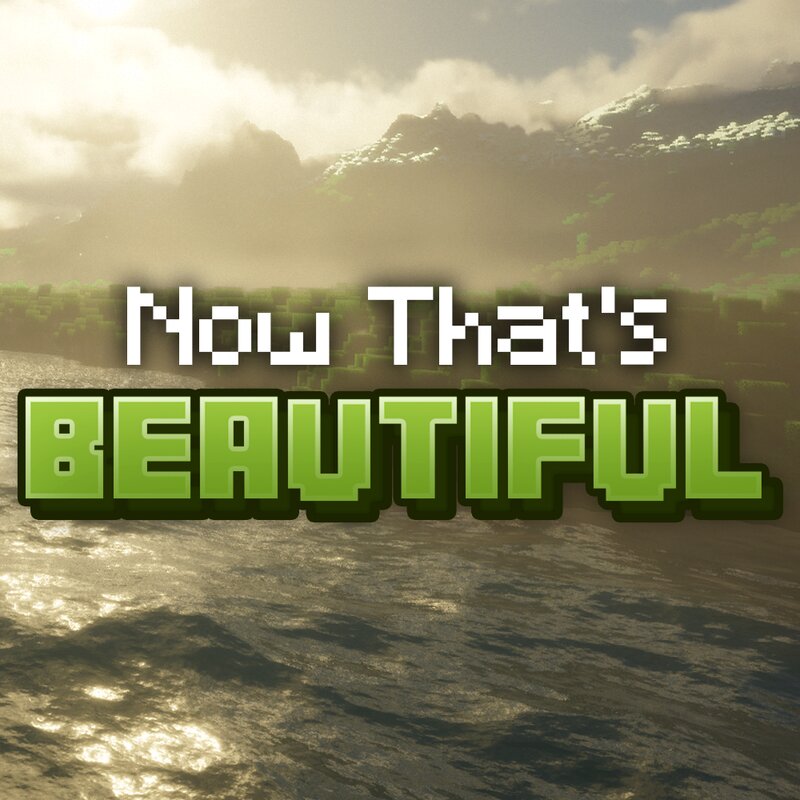
To my Planet Minecraft community: I'm sorry for stopping to make texture packs long ago. Simply put, I had to focus on my studies. I'm probably not going to pick it up again in the near future. But here's a little something for those who like gorgeous modpacks. Thank you! 🪟 Overview: This modpack introduced strictly visual and audio changes to the game to make it feel like an extension of real life. Enjoy breathtaking landscapes with Terralith + Distant Horizons! Love and fear the lively mobs thanks to Fresh Animations with all of its addons! You feel alive too thanks to the Fresh Moves addon. Feel every dive and hit with (customized) Enhanced Visuals! Listen to immersive tunes with Medieval + Biome Music! Marvel at the subtly gorgeous textures thanks to the Eclipse shaders and the Vanilla Mashup (PBR) resource pack. Painstakingly fine-tuned and optimized, this modpack should ensure smooth gameplay on mid- to high-end machines. At the bottom is a list of settings that could be tuned to make the game less graphically demanding. ‼️Important Notes: This modpack alters the look and feel of the game only! No gameplay-altering mods are included! Feel free to add more mods if you wish to
Added value
What’s included on this page
Preview, categories, compatibility, and tools on this page — not a bare file mirror.
- Creator
- JerryJace
- Source
- Minecraft downloads library on Eaglercraft Studio
- Type
- Minecraft mod
- Price
- Free download on Eaglercraft Studio
- Curation
- Listed with credit to JerryJace · studio preview & install guide
- Game Version
- Minecraft 1.21.1
- Compatible with
- Minecraft Java (match version / loader in facts)
- Tags
- Aesthetic, Beautiful, Eclipse, Fabric, Gorgeous, Graphics
Install guide
How to install this free Minecraft mod
Eaglercraft Studio listing with metadata, creator credit, and loader-aware install guidance.
- 1Download the jar/zip when available.
- 2Install the matching loader (Forge, Fabric, or NeoForge) for your Minecraft version.
- 3Drop the mod into your mods folder, then launch with that profile.
Wrong loader or game version usually crashes on startup — read the facts on this page first.
Related free mods
More curated mods from the same library section.

Pastelmooncrafting15 · 67 diamonds · 20 views

PotatoWolfie · 60 diamonds · 2 views

PotatoWolfie · 53 diamonds · 622 views

Janss_33PL · 47 diamonds · 940 views