
Permanent Baby Villagers - Golden Dandelion
Creator: marcsanz-dev · 2026-03-31 · Mods · Free on Eaglercraft Studio
Download Permanent Baby Villagers - Golden Dandelion — free Minecraft mod. Created by marcsanz-dev. Tagged other. Check the file details for Forge, Fabric, or NeoForge before installing.
Creator notes
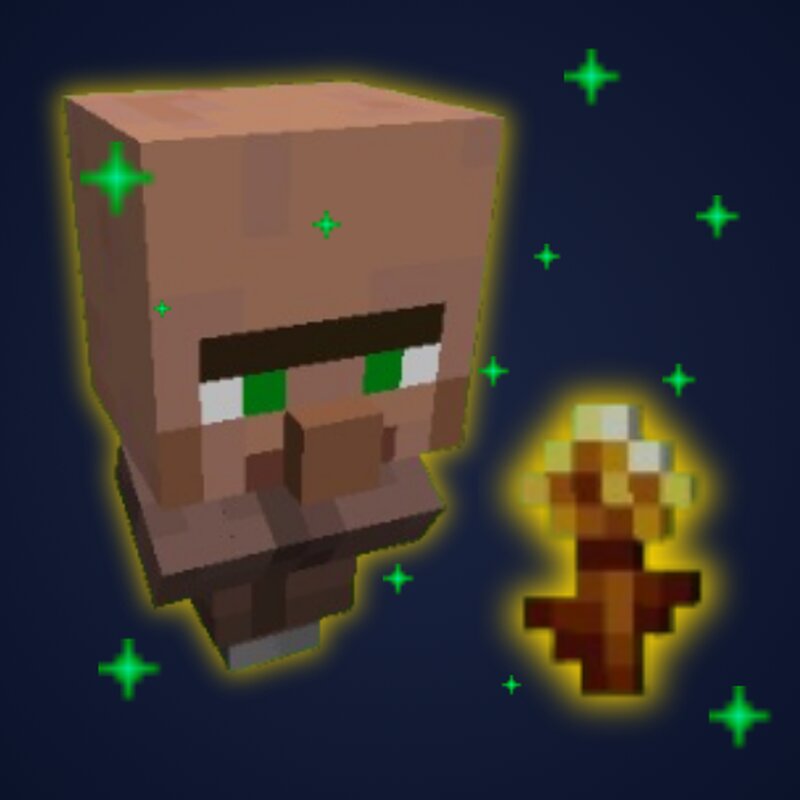
Permanent Baby Villagers Keep your baby villagers young forever! This lightweight mod adds a simple but highly requested interaction: the ability to freeze a baby villager's aging process completely. It is perfect for map makers, builders, or anyone who wants to keep their villages looking lively with these adorable tiny inhabitants. 👶✨ Features Eternal Youth: Simply right-click any baby villager with a Golden Dandelion to permanently stop their biological clock. Vanilla Friendly: The interaction uses the official in-game items, sounds, and particles. The baby will consume the flower and emit happy green sparks to confirm the effect! Seamless Integration: Built specifically for the newest game version. How to Use Obtain a Golden Dandelion in your world. Find a baby villager. Right-click the baby villager with the flower in your hand. Watch the happy sparks fly! The villager will now stay young forever. I make these mods in my free time — if they save you time or make you smile, a coffee keeps the updates coming ☕
Added value
What’s included on this page
Preview, categories, compatibility, and tools on this page — not a bare file mirror.
- Creator
- marcsanz-dev
- Source
- Minecraft downloads library on Eaglercraft Studio
- Type
- Minecraft mod
- Price
- Free download on Eaglercraft Studio
- Curation
- Listed with credit to marcsanz-dev · studio preview & install guide
- Game Version
- Minecraft 26.1
- Compatible with
- Minecraft Java (match version / loader in facts)
- Tags
- Other
Install guide
How to install this free Minecraft mod
Eaglercraft Studio listing with metadata, creator credit, and loader-aware install guidance.
- 1Download the jar/zip when available.
- 2Install the matching loader (Forge, Fabric, or NeoForge) for your Minecraft version.
- 3Drop the mod into your mods folder, then launch with that profile.
Wrong loader or game version usually crashes on startup — read the facts on this page first.
Related free mods
More curated mods from the same library section.

Pastelmooncrafting15 · 67 diamonds · 20 views

PotatoWolfie · 60 diamonds · 2 views

PotatoWolfie · 53 diamonds · 622 views

Janss_33PL · 47 diamonds · 940 views