
Physics Glue Addon BETA (Minecraft Create Aeronautics for Minecraft Bedrock)
Creator: KSM95 · 2026-05-01 · Mods · Free on Eaglercraft Studio
Download Physics Glue Addon BETA (Minecraft Create Aeronautics for Minecraft Be — free Minecraft mod. Created by KSM95. Tagged addon, aeronautics, bedrock, create. Check the file details for Forge, Fabric, or NeoForge before installing.
Creator notes
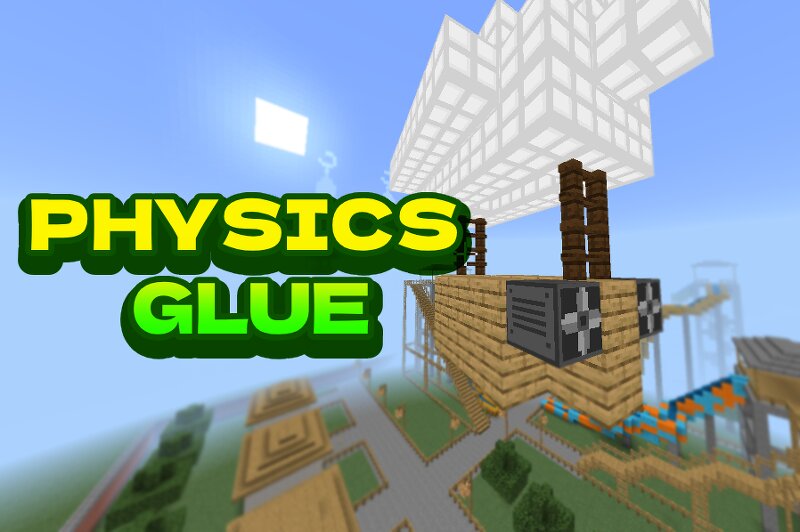
[THIS ADDON IS STILL IN BETA AND MAY CONTAIN BUGS. FEEDBACK, BUG REPORTS, AND SUGGESTIONS ARE ALWAYS WELCOME IN THE COMMENTS.] What is the Super Glue Addon? Super Glue is a Minecraft Bedrock addon that introduces a fully custom physics engine inspired by mods such as Create, Clockwork, Valkyrien Skies, and Create Aeronautics. It allows you to weld ordinary Minecraft blocks into fully dynamic physics objects that can move, rotate, float, fly, and interact with the world. Build creations such as: Cars and trucks Boats and submarines Airships and airplanes Helicopters Windmills and turbines Moving doors and elevators Walking machines Entire movable houses If you can build it, you can bring it to life! Latest Update! Camera and Monitor Surveillance: Introducing the Camera, Monitor, and Physics Camera blocks! Assign matching IDs using a Wrench to wirelessly broadcast real time, true color views of your entities, blocks, and environments directly to screens. Attuner Precision Steering: Take ultimate control of your flight and driving! The new Attuner block forces your vehicle to face exactly where your camera is looking, including straight up and down. Glue Blasting Automation: Mechaniz
Added value
What’s included on this page
Preview, categories, compatibility, and tools on this page — not a bare file mirror.
- Creator
- KSM95
- Source
- Minecraft downloads library on Eaglercraft Studio
- Type
- Minecraft mod
- Price
- Free download on Eaglercraft Studio
- Curation
- Listed with credit to KSM95 · studio preview & install guide
- Game Version
- Minecraft 1.21.6
- Compatible with
- Minecraft Java (match version / loader in facts)
- Tags
- Addon, Aeronautics, Bedrock, Create, Minecraft, Minecraftbedrock
Install guide
How to install this free Minecraft mod
Eaglercraft Studio listing with metadata, creator credit, and loader-aware install guidance.
- 1Download the jar/zip when available.
- 2Install the matching loader (Forge, Fabric, or NeoForge) for your Minecraft version.
- 3Drop the mod into your mods folder, then launch with that profile.
Wrong loader or game version usually crashes on startup — read the facts on this page first.
Related free mods
More curated mods from the same library section.

Pastelmooncrafting15 · 67 diamonds · 20 views

PotatoWolfie · 60 diamonds · 2 views

PotatoWolfie · 53 diamonds · 622 views

Janss_33PL · 47 diamonds · 940 views