
Polaroid600
Creator: Nuparu00 · 2026-09-09 · Mods · Free on Eaglercraft Studio
Download Polaroid600 — free Minecraft mod. Created by Nuparu00. Tagged analog, camera, doubleexposure, hobby. Check the file details for Forge, Fabric, or NeoForge before installing.
Creator notes
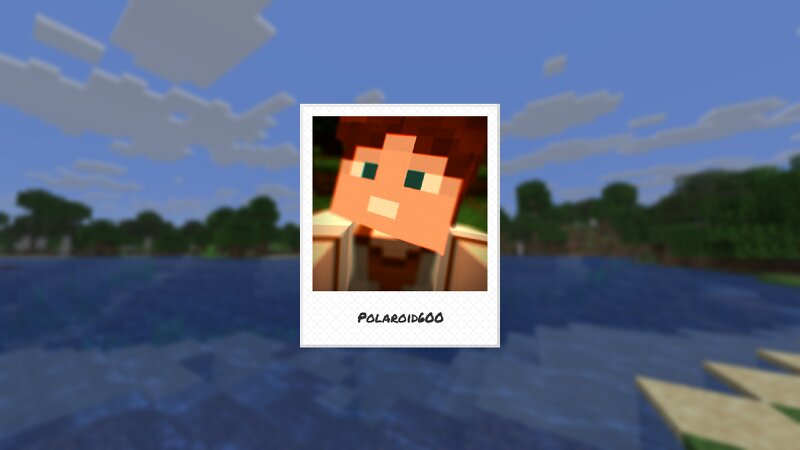
Polaroid600 Polaroid600 is a mod that adds various Polaroid instant cameras and film types. Features Cameras The mod features 5 different cameras with different features and film types, including the 80s Polaroid 635, the (now sadly dead) Polaroid Spectra and the modern Polaroid Now. Film In addition to the Color film, the mod offers the Black & White, Blue, Green and Purple films, based on real-life Polaroid film selection. Effects Various image processing effects are applied to the captured photos, based on the camera, its state and loaded film, including depth-of-field, chromatic aberration, or double exposures. Polaroid Walls You can place your developed photos on a wall in a grid for others to see. Compatibility The mod is generally compatible with most mods. However, in the case of mods that heavily affect rendering - like Sodium or Iris - the compatibility may be restricted (for example, some features or effects might not fully work). For more information on compatibility, see the wiki . "Polaroid", the "Classic Border Logo", and the "Color Spectrum" are protected trademarks of Polaroid B.V. This mod is not affiliated with Polaroid B.V. nor Mojang AB.
Added value
What’s included on this page
Preview, categories, compatibility, and tools on this page — not a bare file mirror.
- Creator
- Nuparu00
- Source
- Minecraft downloads library on Eaglercraft Studio
- Type
- Minecraft mod
- Price
- Free download on Eaglercraft Studio
- Curation
- Listed with credit to Nuparu00 · studio preview & install guide
- Game Version
- Minecraft 26.3 snapshot
- Compatible with
- Minecraft Java (match version / loader in facts)
- Tags
- Analog, Camera, Doubleexposure, Hobby, Instant, New Content
Install guide
How to install this free Minecraft mod
Eaglercraft Studio listing with metadata, creator credit, and loader-aware install guidance.
- 1Download the jar/zip when available.
- 2Install the matching loader (Forge, Fabric, or NeoForge) for your Minecraft version.
- 3Drop the mod into your mods folder, then launch with that profile.
Wrong loader or game version usually crashes on startup — read the facts on this page first.
Related free mods
More curated mods from the same library section.

Pastelmooncrafting15 · 67 diamonds · 20 views

PotatoWolfie · 60 diamonds · 2 views

PotatoWolfie · 53 diamonds · 622 views

Janss_33PL · 47 diamonds · 940 views