
Pool Tiles
Creator: Yarondorik · 2026-05-20 · Mods · Free on Eaglercraft Studio
Download Pool Tiles — free Minecraft mod. Created by Yarondorik. Tagged mod, mods, other, pool. Check the file details for Forge, Fabric, or NeoForge before installing.
Creator notes
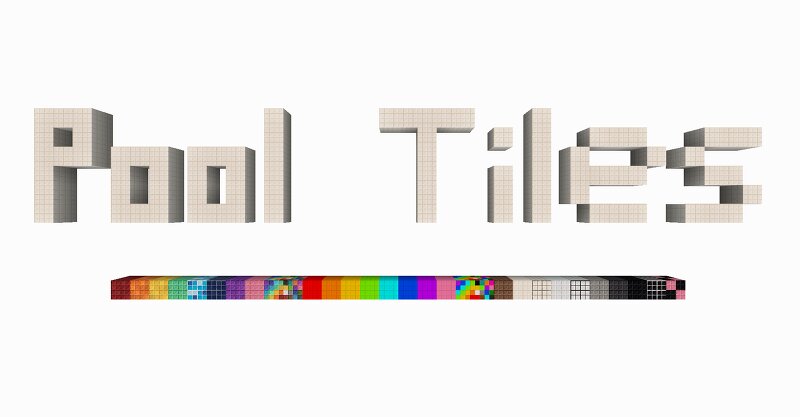
EN: Incompatible with OptiFine! The Pool tiles mod is just a mod that adds different types of pool tile blocks in different colors, except for the blocks there is nothing. To get more pool tile blocks, install the FramedBlocks mod (its presence is useful, but not necessary) . Together, they will be very useful to map makers interested in Dreamcore, Backrooms, and especially Poolcore. Please ignore other sources! Now I will update the mod only on planetminecraft.com . Many thanks to CatFries for the ideas and some textures. This mod was created for my modpacks and maps, but now you can use it too. РУ: Несовместим с OptiFine! Мод Pool tiles — это всего лишь мод, добавляющий разные типы блоков бассейных плиток разных цветов, кроме блоков ничего нет. Чтобы получить больше блоков бассейных плиток, установите мод FramedBlocks (его наличие полезно, но не обязательно) . Вместе они очень пригодятся создателям карт, интересующимся Dreamcore, Backrooms, а особенно Poolcore. Пожалуйста, игнорируйте другие источники! Теперь я буду обновлять мод только на p lanetminecraft.com . Огромное спасибо CatFries за идеи и некоторые текстуры. Этот мод был создан для моих модпаков и карт, но теперь вы тоже
Added value
What’s included on this page
Preview, categories, compatibility, and tools on this page — not a bare file mirror.
- Creator
- Yarondorik
- Source
- Minecraft downloads library on Eaglercraft Studio
- Type
- Minecraft mod
- Price
- Free download on Eaglercraft Studio
- Curation
- Listed with credit to Yarondorik · studio preview & install guide
- Game Version
- Minecraft 1.20.1
- Compatible with
- Minecraft Java (match version / loader in facts)
- Tags
- Mod, Mods, Other, Pool, Poolcore, Pools
Install guide
How to install this free Minecraft mod
Eaglercraft Studio listing with metadata, creator credit, and loader-aware install guidance.
- 1Download the jar/zip when available.
- 2Install the matching loader (Forge, Fabric, or NeoForge) for your Minecraft version.
- 3Drop the mod into your mods folder, then launch with that profile.
Wrong loader or game version usually crashes on startup — read the facts on this page first.
Related free mods
More curated mods from the same library section.

Pastelmooncrafting15 · 67 diamonds · 20 views

PotatoWolfie · 60 diamonds · 2 views

PotatoWolfie · 53 diamonds · 622 views

Janss_33PL · 47 diamonds · 940 views