
Re:Surrect
Creator: Cheburek0 · 2026-07-05 · Mods · Free on Eaglercraft Studio
Download Re:Surrect — free Minecraft mod. Created by Cheburek0. Tagged other. Check the file details for Forge, Fabric, or NeoForge before installing.
Creator notes
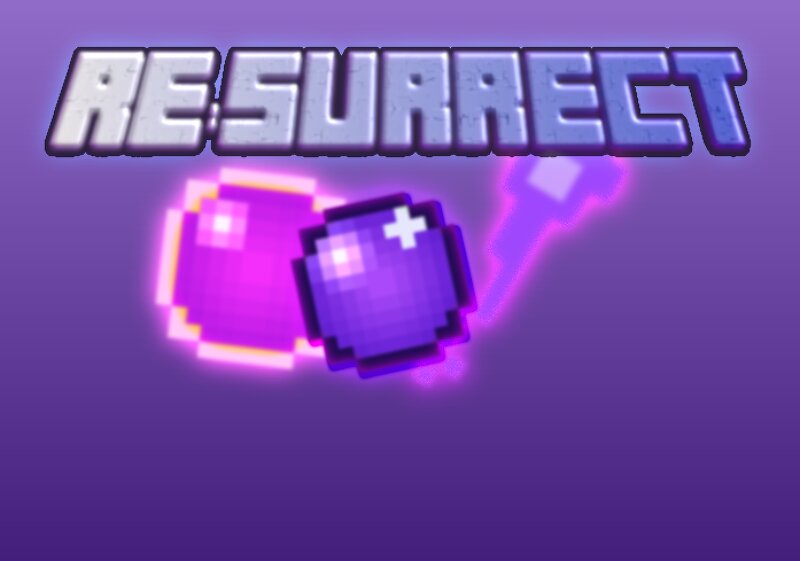
Re:Surrect Capture. Preserve. Resurrect. Re:Surrect adds a full death-and-rebirth toolkit to Minecraft: capture any mob into a portable core, bring it back later, mark your own graves in the world, and strike a bargain with a mysterious altar for a second chance at life. Features Return Core A one-mob capture device. Sneak + right-click a living entity to seal it inside, then right-click again to bring it back to life exactly as it was — health, custom name, and all. Perfect for relocating mobs, saving a favorite pet, or setting up a mob farm without the chase. Re:Ultimate Core The upgraded version of the Return Core — holds up to 9 mobs at once . Press G to capture whatever you're looking at, and Z to open the Ultimate Core menu and pick exactly which mob to bring back. Resurrection Shards A crafting material dropped from the resurrection process. Combine 9 Shards to craft a new Return Core. Grave Block Place a Grave to store a captured mob for safekeeping, or leave offerings on it as a tribute. Right-click with an empty hand to check what's buried, or Shift + right-click to take your Return Core back. Resurrection Altar The heart of the mod. Offer an item to the Altar and press S
Added value
What’s included on this page
Preview, categories, compatibility, and tools on this page — not a bare file mirror.
- Creator
- Cheburek0
- Source
- Minecraft downloads library on Eaglercraft Studio
- Type
- Minecraft mod
- Price
- Free download on Eaglercraft Studio
- Curation
- Listed with credit to Cheburek0 · studio preview & install guide
- Game Version
- Minecraft 1.20.1
- Compatible with
- Minecraft Java (match version / loader in facts)
- Tags
- Other
Install guide
How to install this free Minecraft mod
Eaglercraft Studio listing with metadata, creator credit, and loader-aware install guidance.
- 1Download the jar/zip when available.
- 2Install the matching loader (Forge, Fabric, or NeoForge) for your Minecraft version.
- 3Drop the mod into your mods folder, then launch with that profile.
Wrong loader or game version usually crashes on startup — read the facts on this page first.
Related free mods
More curated mods from the same library section.

Pastelmooncrafting15 · 67 diamonds · 20 views

PotatoWolfie · 60 diamonds · 2 views

PotatoWolfie · 53 diamonds · 622 views

Janss_33PL · 47 diamonds · 940 views