
Resource Pack Converter
Creator: Mib37106 · 2026-08-31 · Mods · Free on Eaglercraft Studio
Download Resource Pack Converter — free Minecraft mod. Created by Mib37106. Tagged other. Check the file details for Forge, Fabric, or NeoForge before installing.
Creator notes
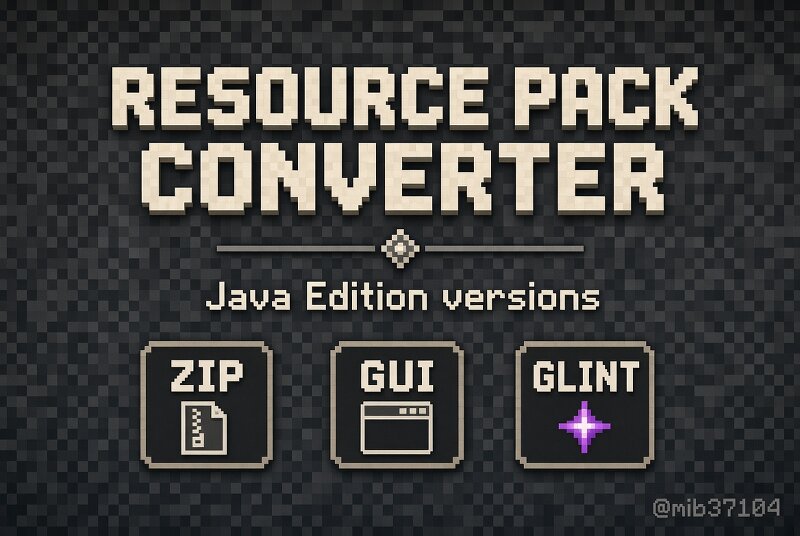
Resource Pack Converter is an offline Java program that converts Minecraft Java Edition resource packs to another game version. Author: @mib37104 Telegram: t.me/mib37104 This is NOT a texture pack and NOT an in-game Fabric/Forge mod. It is a desktop tool. You run it on Windows with ConvertPack.bat, pick a pack, pick a target version, and get a new zip. Requirements - Java 17 or newer - ConvertPack.bat + ResourcePackConverter.jar in the same folder - Input: a .zip pack OR an unpacked folder that contains pack.mcmeta and assets What it converts - pack.mcmeta (pack_format, min_format / max_format on new versions) - 1.13 flattening (textures/blocks -> block, items -> item, many texture names) - GUI atlas slicing: icons, widgets, inventory, containers - entity texture path remaps - enchantment glint rename: enchanted_item_glint.png -> enchanted_glint_item.png and enchanted_glint_entity.png (needed from 1.19.4+) How to use 1. Install Java 17+ 2. Put ResourcePackConverter.jar, ConvertPack.bat and AUTHOR.txt in one folder 3. Run ConvertPack.bat 4. Paste the path to your pack zip or folder 5. Type the target version, for example 1.21.4 6. Press Enter on source version to auto-detect 7. The
Added value
What’s included on this page
Preview, categories, compatibility, and tools on this page — not a bare file mirror.
- Creator
- Mib37106
- Source
- Minecraft downloads library on Eaglercraft Studio
- Type
- Minecraft mod
- Price
- Free download on Eaglercraft Studio
- Curation
- Listed with credit to Mib37106 · studio preview & install guide
- Game Version
- Minecraft 26.3 snapshot
- Compatible with
- Minecraft Java (match version / loader in facts)
- Tags
- Other
Install guide
How to install this free Minecraft mod
Eaglercraft Studio listing with metadata, creator credit, and loader-aware install guidance.
- 1Download the jar/zip when available.
- 2Install the matching loader (Forge, Fabric, or NeoForge) for your Minecraft version.
- 3Drop the mod into your mods folder, then launch with that profile.
Wrong loader or game version usually crashes on startup — read the facts on this page first.
Related free mods
More curated mods from the same library section.

Pastelmooncrafting15 · 67 diamonds · 20 views

PotatoWolfie · 60 diamonds · 2 views

PotatoWolfie · 53 diamonds · 622 views

Janss_33PL · 47 diamonds · 940 views