
Server Manager
Creator: lyuwenhan · 2026-08-05 · Mods · Free on Eaglercraft Studio
Download Server Manager — free Minecraft mod. Created by lyuwenhan. Tagged functional. Check the file details for Forge, Fabric, or NeoForge before installing.
Creator notes
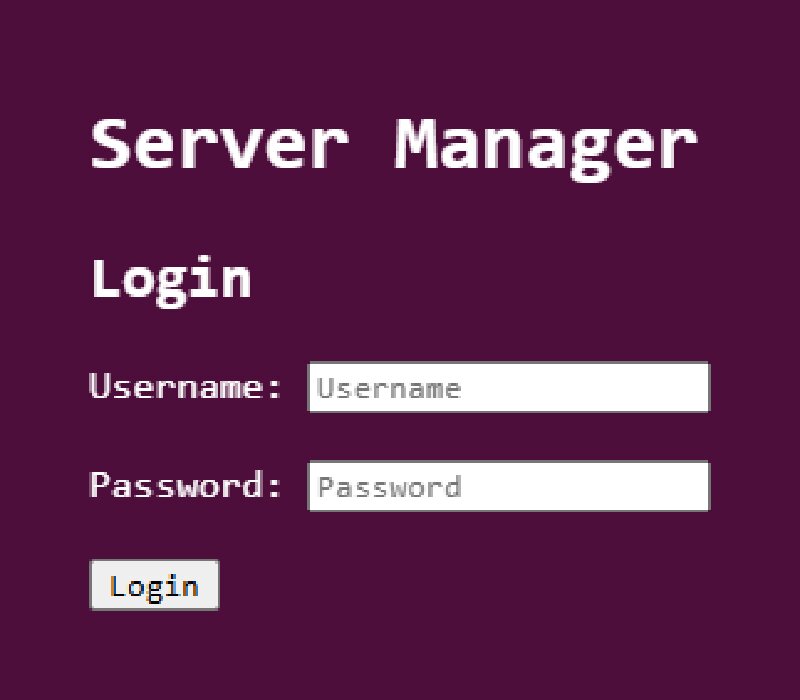
Languages EN/English | ZH-CN/简体中文 Server Manager A server-side Fabric mod that provides a web-based Minecraft server management panel. It allows you to monitor server status, manage online players, view logs, execute commands, edit game rules, and manage Carpet rules when Carpet is installed. Features Web-based server management panel Login authentication Dashboard for server statistics Online player list Player operations Server log viewer Command execution panel Gamerule management Carpet rule management when installed Page Overview Dashboard Players Logs Command Gamerule Carpet Rule Command Page The Command page allows server commands to be executed from the web panel. If the input starts with / , it is sent as a command. If the input does not start with / , it is sent as a say command. Player Management The Players page shows online players and provides common operations. Displayed player information includes: Name Status Dimension Position Health Hunger Level Gamemode Ping Supported player operations include: Heal Feed Clear inventory Kill Kick Ban Add to whitelist OP Access Control The Players page also includes access control tables. Supported lists: Whitelist Blacklist Oper
Added value
What’s included on this page
Preview, categories, compatibility, and tools on this page — not a bare file mirror.
- Creator
- lyuwenhan
- Source
- Minecraft downloads library on Eaglercraft Studio
- Type
- Minecraft mod
- Price
- Free download on Eaglercraft Studio
- Curation
- Listed with credit to lyuwenhan · studio preview & install guide
- Game Version
- Minecraft 26.3 snapshot
- Compatible with
- Minecraft Java (match version / loader in facts)
- Tags
- Functional
Install guide
How to install this free Minecraft mod
Eaglercraft Studio listing with metadata, creator credit, and loader-aware install guidance.
- 1Download the jar/zip when available.
- 2Install the matching loader (Forge, Fabric, or NeoForge) for your Minecraft version.
- 3Drop the mod into your mods folder, then launch with that profile.
Wrong loader or game version usually crashes on startup — read the facts on this page first.
Related free mods
More curated mods from the same library section.

Pastelmooncrafting15 · 67 diamonds · 20 views

PotatoWolfie · 60 diamonds · 2 views

PotatoWolfie · 53 diamonds · 622 views

Janss_33PL · 47 diamonds · 940 views