
Size Stealer
Creator: Ainazik · 2026-02-11 · Mods · Free on Eaglercraft Studio
Download Size Stealer — free Minecraft mod. Created by Ainazik. Tagged big, bigger, fun, other. Check the file details for Forge, Fabric, or NeoForge before installing.
Creator notes
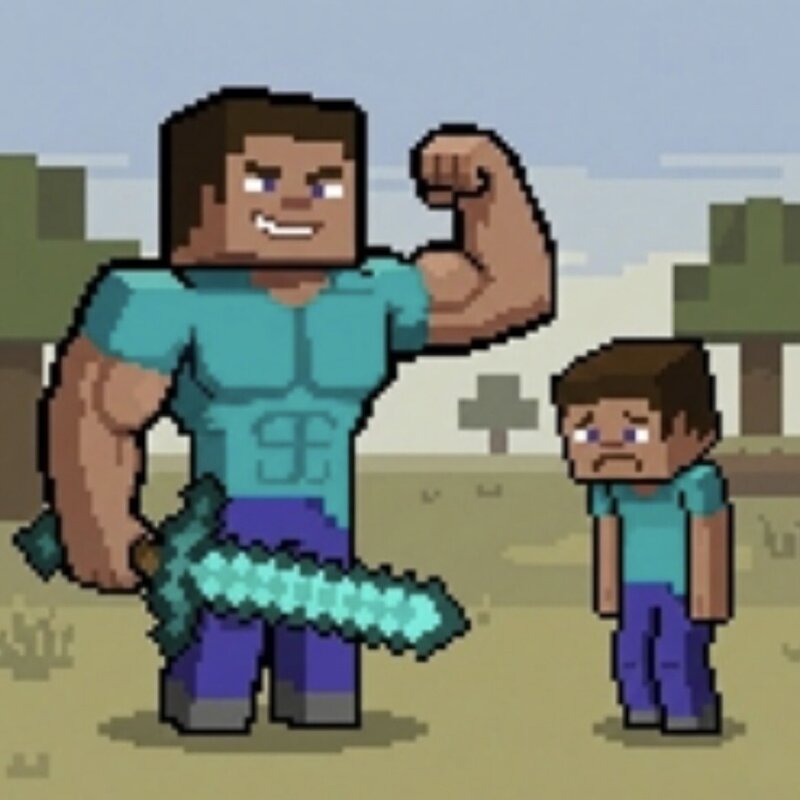
📏 Size Stealer: The Ultimate Growth Challenge Have you ever felt too small for this blocky world? Well, now you literally are! Size Stealer is a unique progression mod for Fabric 1.20.1 that turns every combat encounter into a literal growth opportunity. You start your journey as a tiny, vulnerable creature and must fight your way up to become a towering giant. 🧬 How It Works: The Tiny Beginning: Upon entering the world, your scale is set to 0.25x. You are smaller than a grass block, making the world look massive and dangerous. Kill to Grow: Every time you defeat a mob (from a simple chicken to the Wither), you "steal" a bit of its essence, increasing your scale by +0.1. No Limits (Almost): Keep hunting to grow larger and larger. You can reach up to 10x your original size, allowing you to walk over hills and look down upon trees. ✨ Key Features: 🚀 Smooth Scaling: Watch yourself grow in real-time thanks to the powerful Pehkui engine. 🎮 Dynamic Gameplay: Being small makes you faster but harder to reach blocks. Being a giant makes you a powerhouse but watch your head in caves! 🎬 Content Creator Ready: This mod is perfect for "100 Days" challenges, "Can I beat Minecraft as a Giant?" vi
Added value
What’s included on this page
Preview, categories, compatibility, and tools on this page — not a bare file mirror.
- Creator
- Ainazik
- Source
- Minecraft downloads library on Eaglercraft Studio
- Type
- Minecraft mod
- Price
- Free download on Eaglercraft Studio
- Curation
- Listed with credit to Ainazik · studio preview & install guide
- Game Version
- Minecraft 1.20.1
- Compatible with
- Minecraft Java (match version / loader in facts)
- Tags
- Big, Bigger, Fun, Other, Size, Small
Install guide
How to install this free Minecraft mod
Eaglercraft Studio listing with metadata, creator credit, and loader-aware install guidance.
- 1Download the jar/zip when available.
- 2Install the matching loader (Forge, Fabric, or NeoForge) for your Minecraft version.
- 3Drop the mod into your mods folder, then launch with that profile.
Wrong loader or game version usually crashes on startup — read the facts on this page first.
Related free mods
More curated mods from the same library section.

Pastelmooncrafting15 · 67 diamonds · 20 views

PotatoWolfie · 60 diamonds · 2 views

PotatoWolfie · 53 diamonds · 622 views

Janss_33PL · 47 diamonds · 940 views