
SONAR
Creator: MIKOos · 2026-05-27 · Mods · Free on Eaglercraft Studio
Download SONAR — free Minecraft mod. Created by MIKOos. Tagged functional, mod, neoforge, ore. Check the file details for Forge, Fabric, or NeoForge before installing.
Creator notes
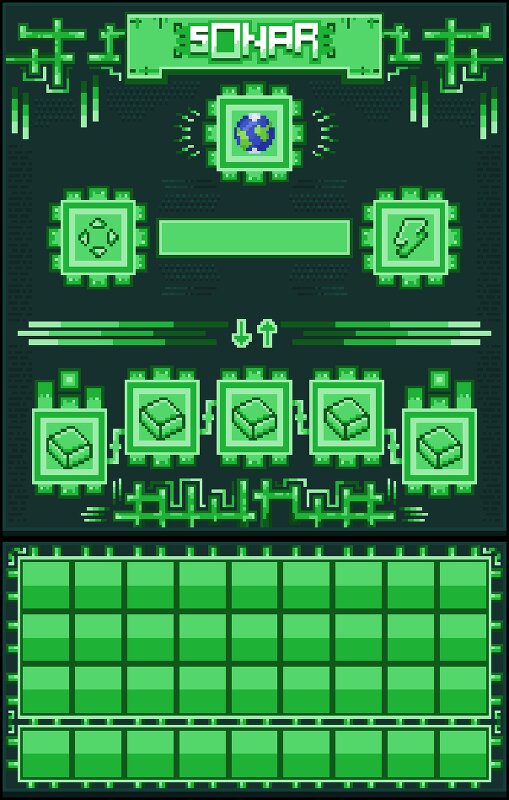
Description Subsurface Ore Navigation & Analysis Radar (S.O.N.A.R.) S.O.N.A.R. is an industrial-grade scanning system designed for efficient underground resource detection and geological analysis. This mod introduces a modular ore scanning device that allows players to locate underground mineral deposits. Built with an industrial aesthetic and designed to integrate naturally into tech-based modpacks, S.O.N.A.R. focuses on progression, upgrades, and precision. 🔎 Core Features Handheld industrial ore scanner Modular upgrade system (Range, Biome, Structures) Energy-based operation and balanced progression Clean, realistic industrial design 🔗 Cross-Mod Compatibility S.O.N.A.R. is built with compatibility in mind.The scanner automatically detects ores added by other mods, making it fully usable in large modpacks. Whether it’s new metals, gems, or custom resource blocks, S.O.N.A.R. can analyze and locate them as long as they are registered as world-generated ores. This ensures seamless integration with technology, automation, and expansion mods. 🚧 Planned Features Future updates are planned to expand scanning capabilities beyond ores: Structure detection (villages, dungeons, strongholds,
Added value
What’s included on this page
Preview, categories, compatibility, and tools on this page — not a bare file mirror.
- Creator
- MIKOos
- Source
- Minecraft downloads library on Eaglercraft Studio
- Type
- Minecraft mod
- Price
- Free download on Eaglercraft Studio
- Curation
- Listed with credit to MIKOos · studio preview & install guide
- Game Version
- Minecraft 1.21.1
- Compatible with
- Minecraft Java (match version / loader in facts)
- Tags
- Functional, Mod, Neoforge, Ore, Scanner
Install guide
How to install this free Minecraft mod
Eaglercraft Studio listing with metadata, creator credit, and loader-aware install guidance.
- 1Download the jar/zip when available.
- 2Install the matching loader (Forge, Fabric, or NeoForge) for your Minecraft version.
- 3Drop the mod into your mods folder, then launch with that profile.
Wrong loader or game version usually crashes on startup — read the facts on this page first.
Related free mods
More curated mods from the same library section.

Pastelmooncrafting15 · 67 diamonds · 20 views

PotatoWolfie · 60 diamonds · 2 views

PotatoWolfie · 53 diamonds · 622 views

Janss_33PL · 47 diamonds · 940 views