
SwordSight
Creator: MyAndy · 2025-12-02 · Mods · Free on Eaglercraft Studio
Download SwordSight — free Minecraft mod. Created by MyAndy. Tagged functional, grass, mobs, weapons. Check the file details for Forge, Fabric, or NeoForge before installing.
Creator notes
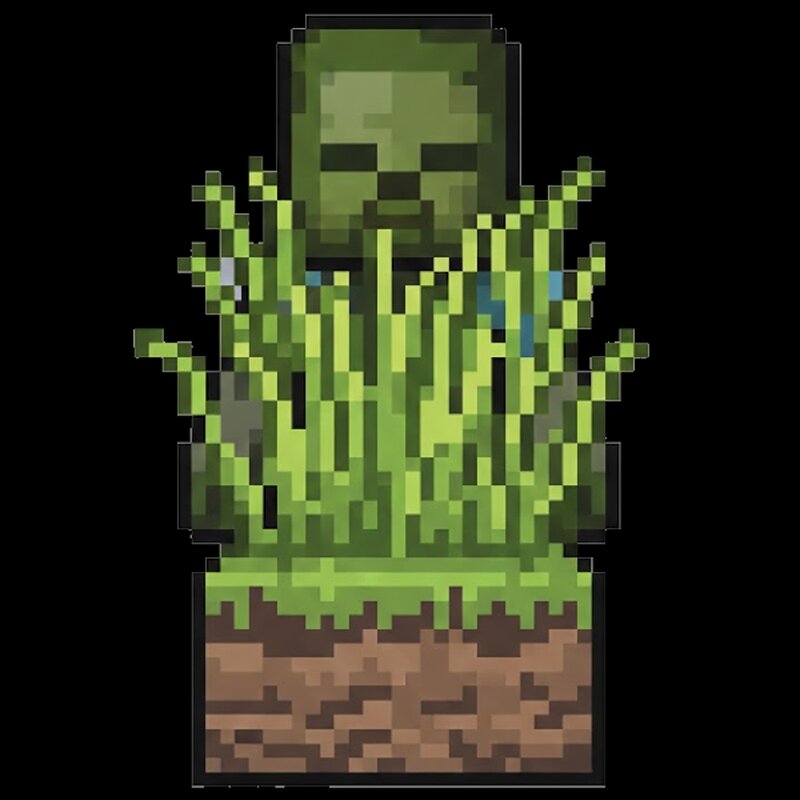
⚔️ SwordSight: Server-Authoritative Hit Through the Clutter SwordSight is a mod designed to enhance combat by preventing blocks like tall grass, flowers, and other non-solid clutter from blocking your weapon's line of sight , allowing you to hit enemies and blocks behind them seamlessly. Alongside the original server-authoritative configuration system, SwordSight now ships with a full in-game configuration menu — a JEI/REI-style dual-list picker for choosing exactly which blocks are ignored, with dedicated handling for growth-stage crops so you can decide whether a fully-grown plant should still be farmable with your weapon. 📧 Contact Me & Support Information 💬 Primary Support Channel (Preferred) All general questions, feature requests, and non-urgent bug reports should be posted in the appropriate channels on our Discord Server . We actively monitor the server and will respond as soon as possible. This ensures that the whole community can benefit from the discussion and solutions. 🆘 Urgent Private Messaging (PM) Policy While we prefer all issues to be handled via the Discord server first, you are welcome to PM me directly under specific urgent circumstances : Allowed Reason: Your
Added value
What’s included on this page
Preview, categories, compatibility, and tools on this page — not a bare file mirror.
- Creator
- MyAndy
- Source
- Minecraft downloads library on Eaglercraft Studio
- Type
- Minecraft mod
- Price
- Free download on Eaglercraft Studio
- Curation
- Listed with credit to MyAndy · studio preview & install guide
- Game Version
- Minecraft 26.2
- Compatible with
- Minecraft Java (match version / loader in facts)
- Tags
- Functional, Grass, Mobs, Weapons
Install guide
How to install this free Minecraft mod
Eaglercraft Studio listing with metadata, creator credit, and loader-aware install guidance.
- 1Download the jar/zip when available.
- 2Install the matching loader (Forge, Fabric, or NeoForge) for your Minecraft version.
- 3Drop the mod into your mods folder, then launch with that profile.
Wrong loader or game version usually crashes on startup — read the facts on this page first.
Related free mods
More curated mods from the same library section.

Pastelmooncrafting15 · 67 diamonds · 20 views

PotatoWolfie · 60 diamonds · 2 views

PotatoWolfie · 53 diamonds · 622 views

Janss_33PL · 47 diamonds · 940 views