
TargetCrosshair
Creator: RealNamanYT · 2026-05-31 · Mods · Free on Eaglercraft Studio
Download TargetCrosshair — free Minecraft mod. Created by RealNamanYT. Tagged aim, crosshair, mod, other. Check the file details for Forge, Fabric, or NeoForge before installing.
Creator notes
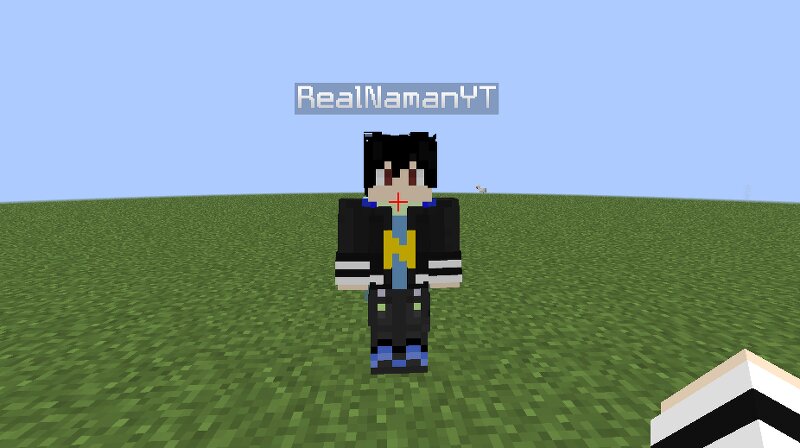
Note: Your Minecraft May take Some TIME to Launch. 🎯 TargetCrosshair A lightweight Fabric mod that upgrades Minecraft's crosshair with **target detection**, **dynamic colors**, and a **fully customizable pixel editor**. No server-side installation required. Works everywhere. --- ✨ Features 🔴 Target Detection TargetCrosshair can automatically detect when you're aiming at an entity. • Normal crosshair color when not targeting anything • Instantly changes to your chosen target color when aiming at a player, mob, or entity • Perfect for PvP and combat situations • Fully client-side 📸 Preview GIF 1 - Crosshair turns red when aiming at a player --- 🎨 Custom Crosshair Editor Create your own crosshair directly inside Minecraft. Features: • 15×15 pixel editor • Pencil tool • Eraser tool • Undo • Redo • Clear • Reset • Live preview • Saved automatically Design anything you want: •Dot crosshair • Circle crosshair • Plus crosshair • Tactical crosshair • Completely custom designs 📸 Preview Image 1 - Custom Crosshair Palette Editor --- 🌈 Crosshair Color Customization Fully customize your colors. • Normal crosshair color • Target crosshair color • RGB color picker • Instant visual updates Make yo
Added value
What’s included on this page
Preview, categories, compatibility, and tools on this page — not a bare file mirror.
- Creator
- RealNamanYT
- Source
- Minecraft downloads library on Eaglercraft Studio
- Type
- Minecraft mod
- Price
- Free download on Eaglercraft Studio
- Curation
- Listed with credit to RealNamanYT · studio preview & install guide
- Game Version
- Minecraft 1.21.11
- Compatible with
- Minecraft Java (match version / loader in facts)
- Tags
- Aim, Crosshair, Mod, Other, Pvp
Install guide
How to install this free Minecraft mod
Eaglercraft Studio listing with metadata, creator credit, and loader-aware install guidance.
- 1Download the jar/zip when available.
- 2Install the matching loader (Forge, Fabric, or NeoForge) for your Minecraft version.
- 3Drop the mod into your mods folder, then launch with that profile.
Wrong loader or game version usually crashes on startup — read the facts on this page first.
Related free mods
More curated mods from the same library section.

Pastelmooncrafting15 · 67 diamonds · 20 views

PotatoWolfie · 60 diamonds · 2 views

PotatoWolfie · 53 diamonds · 622 views

Janss_33PL · 47 diamonds · 940 views