
THE EVERYTHING UPDATE: REMASTERED
Creator: Naon · 2026-01-09 · Mods · Free on Eaglercraft Studio
Download THE EVERYTHING UPDATE: REMASTERED — free Minecraft mod. Created by Naon. Tagged new content. Check the file details for Forge, Fabric, or NeoForge before installing.
Creator notes
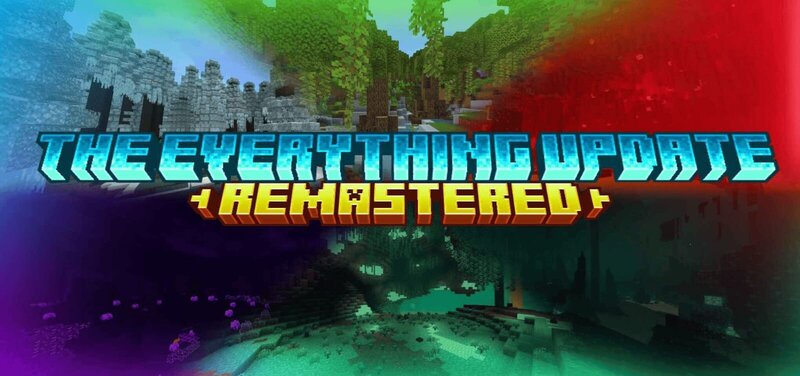
🌍 THE EVERYTHING UPDATE: REMASTERED 🌍¡La expansión total que redefine todas las dimensiones de Minecraft!The Everything Update: Remastered no se limita a la superficie; es una transformación completa del universo. Desde las nubes más altas hasta las profundidades del End, hemos creado una experiencia donde la aventura no tiene fin y la naturaleza cobra vida de formas nunca antes vistas. 🌸 Naturaleza y Paisajes VibrantesBotánica Exótica: Descubre una inmensa variedad de flores nuevas con colores vibrantes, diseñadas para llenar cada rincón de belleza y vida.Biomas en Todas las Dimensiones: No importa dónde estés, siempre habrá algo nuevo que ver. Hemos añadido biomas únicos en:☁️ El Cielo: Explora islas flotantes y paisajes celestiales. ⛰️ El Mundo Normal: Bosques renovados y praderas infinitas. 🕳️Las Cuevas: Ecosistemas subterráneos llenos de vegetación luminosa. 🔥 El Nether: Un infierno más detallado y peligroso. 🌌 El End: Un vacío que ahora florece con estructuras y vida extraña. 🐾 Fauna DiversaEcosistemas Llenos de Vida: El mundo ya no se siente vacío. Se han agregado muchos animales nuevos que habitan específicamente en cada uno de estos biomas, haciendo que cada dimensión teng
Added value
What’s included on this page
Preview, categories, compatibility, and tools on this page — not a bare file mirror.
- Creator
- Naon
- Source
- Minecraft downloads library on Eaglercraft Studio
- Type
- Minecraft mod
- Price
- Free download on Eaglercraft Studio
- Curation
- Listed with credit to Naon · studio preview & install guide
- Game Version
- Minecraft 1.21.11
- Compatible with
- Minecraft Java (match version / loader in facts)
- Tags
- New Content
Install guide
How to install this free Minecraft mod
Eaglercraft Studio listing with metadata, creator credit, and loader-aware install guidance.
- 1Download the jar/zip when available.
- 2Install the matching loader (Forge, Fabric, or NeoForge) for your Minecraft version.
- 3Drop the mod into your mods folder, then launch with that profile.
Wrong loader or game version usually crashes on startup — read the facts on this page first.
Related free mods
More curated mods from the same library section.

Pastelmooncrafting15 · 67 diamonds · 20 views

PotatoWolfie · 60 diamonds · 2 views

PotatoWolfie · 53 diamonds · 622 views

Janss_33PL · 47 diamonds · 940 views