
TrueBuckets
Creator: marcsanz-dev · 2026-08-31 · Mods · Free on Eaglercraft Studio
Download TrueBuckets — free Minecraft mod. Created by marcsanz-dev. Tagged functional. Check the file details for Forge, Fabric, or NeoForge before installing.
Creator notes
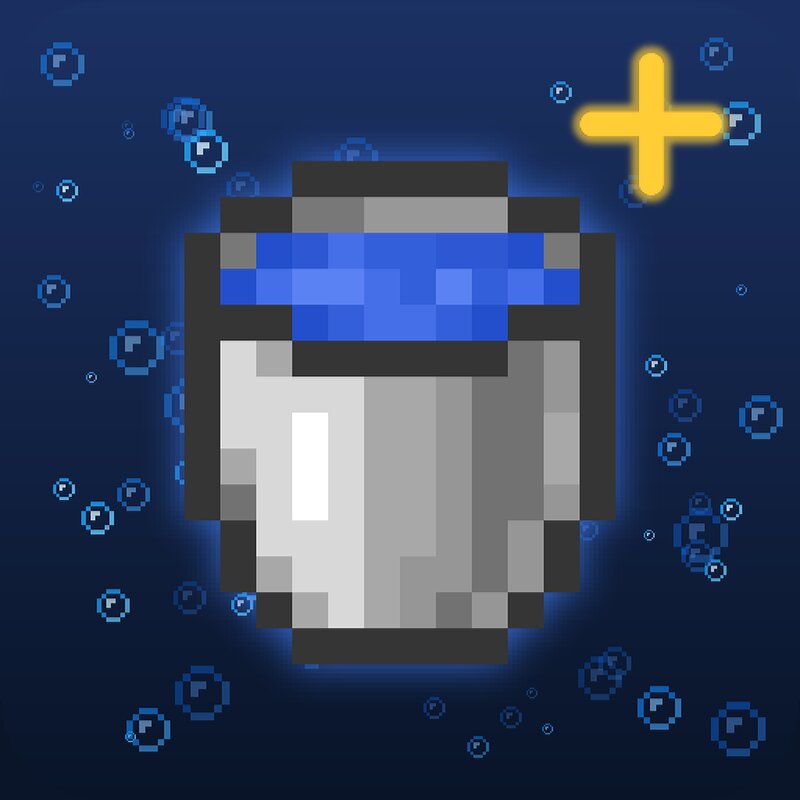
TrueBuckets Catch, collect, and carry your favorite creatures — in the cutest way possible. Cubelings turns any splash of water into a pocket-sized companion. Right-click a creature with a water bucket and it hops into a charming little cube you can carry, stack in your base, show off in item frames, or set free anywhere you like. Every creature gets its own hand-crafted color, and babies get their own adorable mini-cube — so your collection always looks unmistakably yours. No commands. No config headaches. Just grab a bucket and start collecting. ✨ Features 🪣 One-click capture — right-click any supported creature with a water bucket. 🎨 A unique color per variant — every creature type has its own cube texture. 🍼 Adult & baby cubes — babies get their own smaller, distinct look. 🏷️ Name them — rename a cube in an anvil and the creature keeps the name when released. 💧 Release anywhere — place the cube to pour the water and let your creature out, good as new. ♻️ Buckets back — you always get your empty bucket returned. Nothing wasted. 🧩 Vanilla-friendly — fits right beside the axolotl bucket in the creative menu. 🌈 Collect them all Each variant carries its own color, and every cube rem
Added value
What’s included on this page
Preview, categories, compatibility, and tools on this page — not a bare file mirror.
- Creator
- marcsanz-dev
- Source
- Minecraft downloads library on Eaglercraft Studio
- Type
- Minecraft mod
- Price
- Free download on Eaglercraft Studio
- Curation
- Listed with credit to marcsanz-dev · studio preview & install guide
- Game Version
- Minecraft 26.2
- Compatible with
- Minecraft Java (match version / loader in facts)
- Tags
- Functional
Install guide
How to install this free Minecraft mod
Eaglercraft Studio listing with metadata, creator credit, and loader-aware install guidance.
- 1Download the jar/zip when available.
- 2Install the matching loader (Forge, Fabric, or NeoForge) for your Minecraft version.
- 3Drop the mod into your mods folder, then launch with that profile.
Wrong loader or game version usually crashes on startup — read the facts on this page first.
Related free mods
More curated mods from the same library section.

Pastelmooncrafting15 · 67 diamonds · 20 views

PotatoWolfie · 60 diamonds · 2 views

PotatoWolfie · 53 diamonds · 622 views

Janss_33PL · 47 diamonds · 940 views